
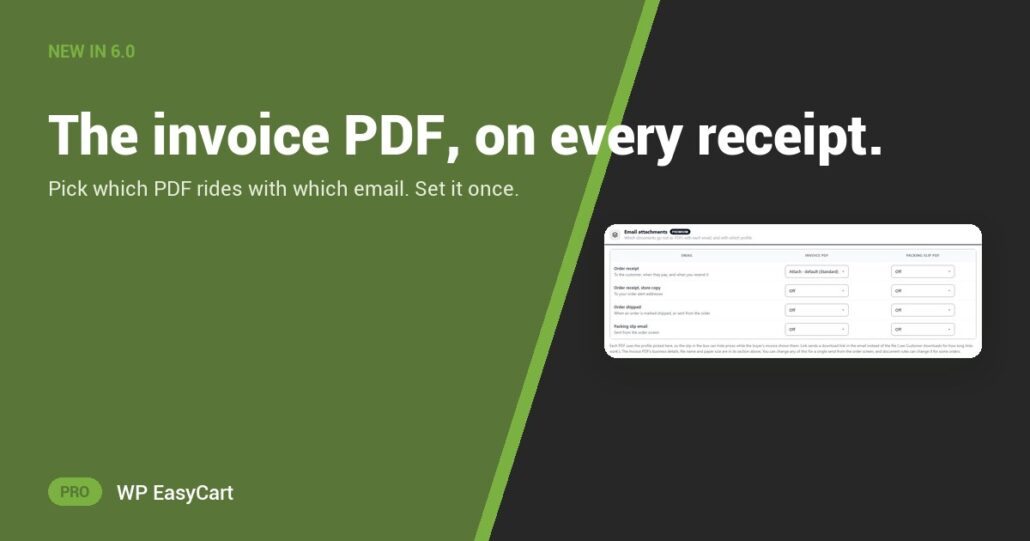
“Can you send me an invoice for that?” Every trade buyer asks. Every bookkeeper asks. And you answer by hand, one email at a time.
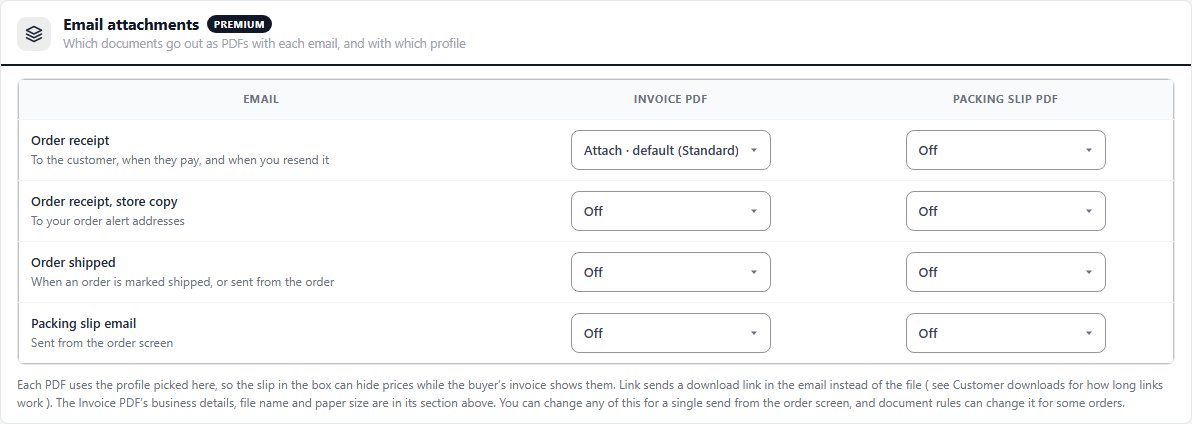
In WP EasyCart 6.0 and later, the Email attachments grid answers for you. Your order emails run down the side: the order receipt, your store’s copy, the order shipped email and the packing slip email. The two PDFs run across the top: Invoice PDF and Packing slip PDF.
- Attach: the PDF goes out with the email, on the default version or one you name.
- Link: a download link in the email instead of the file.
- Off: nothing rides along.
Pick. Attach. Done.
The trick is the version per cell. The buyer’s receipt can carry an invoice with prices while the slip in a gift box carries none. Cells save the moment you change them.
Need an exception? A document rule can change any cell for some orders, such as your wholesale role. And any choice can be changed for one email from the order screen. See how sending from the order works.
Where: WP Admin › EasyCart › Settings › Emails & Documents › Documents › Email attachments. Plan: PRO or Premium, in WP EasyCart 6.0 or greater. Read the document settings guide.
WP EasyCart PRO
Stop emailing invoices by hand.
Invoices, packing slips and receipts live in the same plugin as your payments, shipping and tax. Try PRO free on your own store and send yourself a test order. Rated 4.5 out of 5 by 200+ store owners on wordpress.org.