
The count says three. The shelf has one. Who changed it, and when?
On WooCommerce, the answer comes from an extension. Even a stock-log listing in the WooCommerce Marketplace says it plainly: WooCommerce shows how many units you have today, not how you got there. The fix it sells is GP Product history and Inventory logs, a paid extension from a third-party seller, as of November 2026. One more plugin to buy, update and keep compatible.
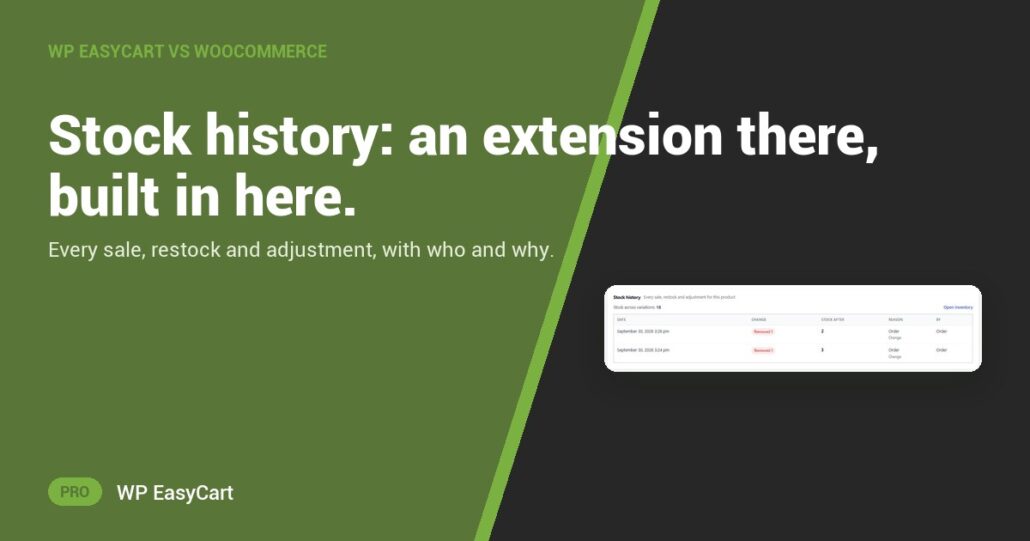
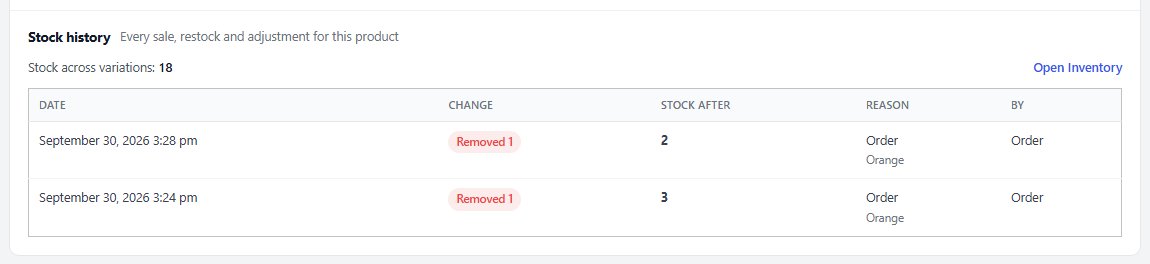
In WP EasyCart 6.0 and later it is already on the product. The Stock history card lists every change, newest first: the date, the change (Added, Removed or Set to), the stock after it, the reason, and who or what made it.
Who. What. Why.
Sales link straight to their order. Track stock per variation and each line names the variation, so you see which colour went. Stock that moves outside the admin is caught too: a pay link, a cancelled order, Zapier or your AI assistant. Show older changes goes further back, and Open Inventory jumps to your whole catalog.
And it is one system. Stock, payments, shipping, tax and offers live in one plugin, so there is no inventory add-on to bolt on and nothing to fall out of step after an update.
Where: WP Admin › EasyCart › Products › open a product › Inventory. Plan: PRO or Premium (the free edition shows a preview). See every inventory feature.
★★★★★ Rated 4.5 out of 5 by 200+ store owners on wordpress.org
“If you want any flexibility at all, it’s also costly to buy all the necessary add-ons… Not only does EC solve my original issue, but it is feature-rich and easy to set up.”
— jbhphx, wordpress.org review, September 2024
All in one plugin
One plugin. No add-on stack.
Stock history comes with PRO, next to payments, shipping and tax. The free trial unlocks it on your own site. Rated 4.5 out of 5 by 200+ store owners on wordpress.org.