
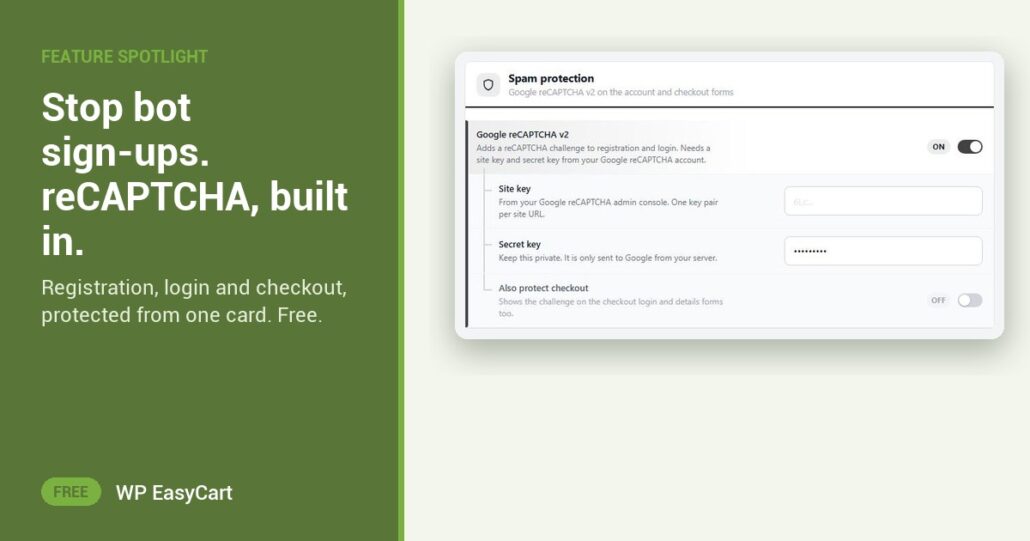
You open your customer list and find forty new accounts. Random names. Junk emails. Not one order. Bots found your registration form, and every fake address they leave hurts your email reputation.
WP EasyCart has the fix in the free plugin. Turn on Google reCAPTCHA v2 in the Spam protection card and a challenge appears on registration and login. Paste a Site key and Secret key from your Google reCAPTCHA account and you are done. No captcha plugin to install. No form builder to wire up.
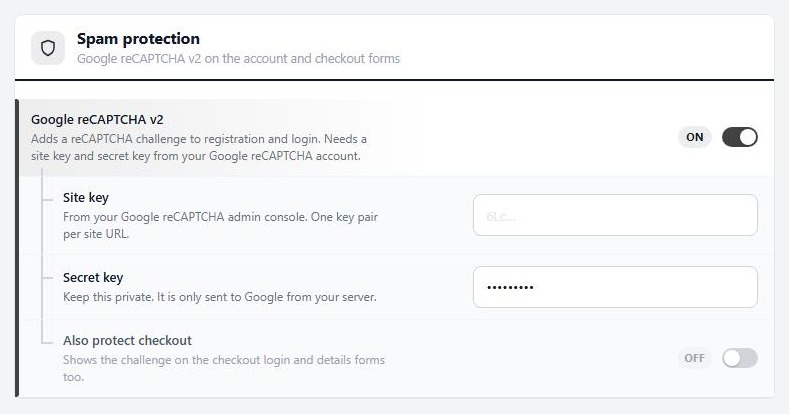
Switch. Keys. Protected.
Bots hitting checkout too? Tick Also protect checkout and the challenge covers the checkout login and details forms as well. Use it with care: the step before payment is the costliest place for a puzzle, so add it when you need it.
Want a quieter filter as well? Require email confirmation keeps every new account pending until the shopper clicks the link in their activation email. Real customers get in. Junk addresses never do. Someone missed the email? Press Resend Activation Email or Approve Account on their record.
One tip: reCAPTCHA keys belong to one site address, so a staging copy needs its own pair.
Where: WP Admin › EasyCart › Settings › Accounts › Spam protection. Plan: Free. See the shopping cart features.
Free edition
Shut the door on bots today.
Spam protection, accounts and checkout come free. The free trial unlocks PRO when you want subscriptions, wholesale and more. Rated 4.5 out of 5 by 200+ store owners on wordpress.org.