
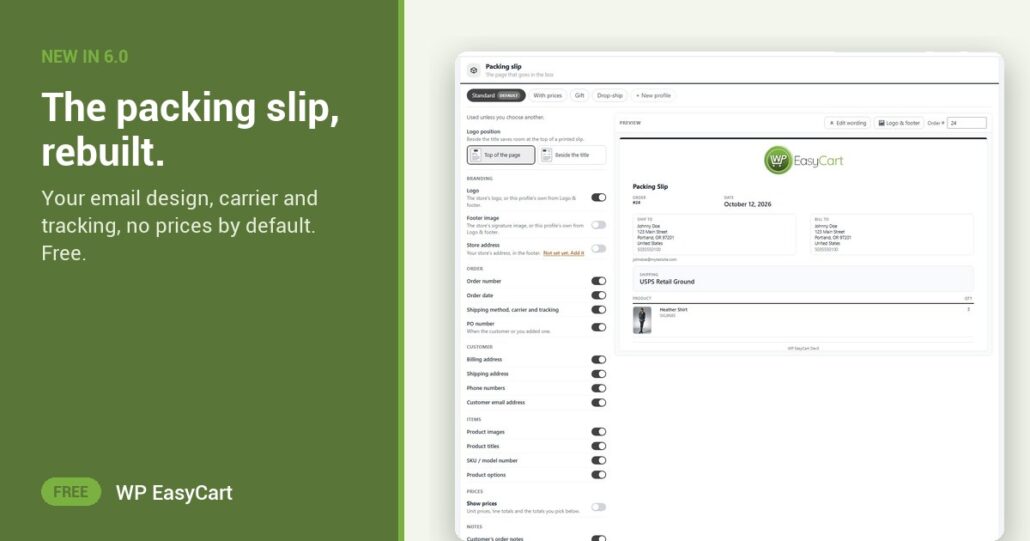
The packing slip is the one piece of your store a customer holds in their hands. For years ours looked like a print-out from another decade.
Not any more. In WP EasyCart 6.0 and later the packing slip matches your store emails, and it prints what a parcel actually needs:
- Shipping method, carrier and tracking, once the order has them. Handy when a parcel is split or sent again.
- SKU / model number and Product options on every line, so the right size goes in the box.
- Phone numbers under the addresses, for the carrier who calls.
- Store address in the footer, so returns know where to go.
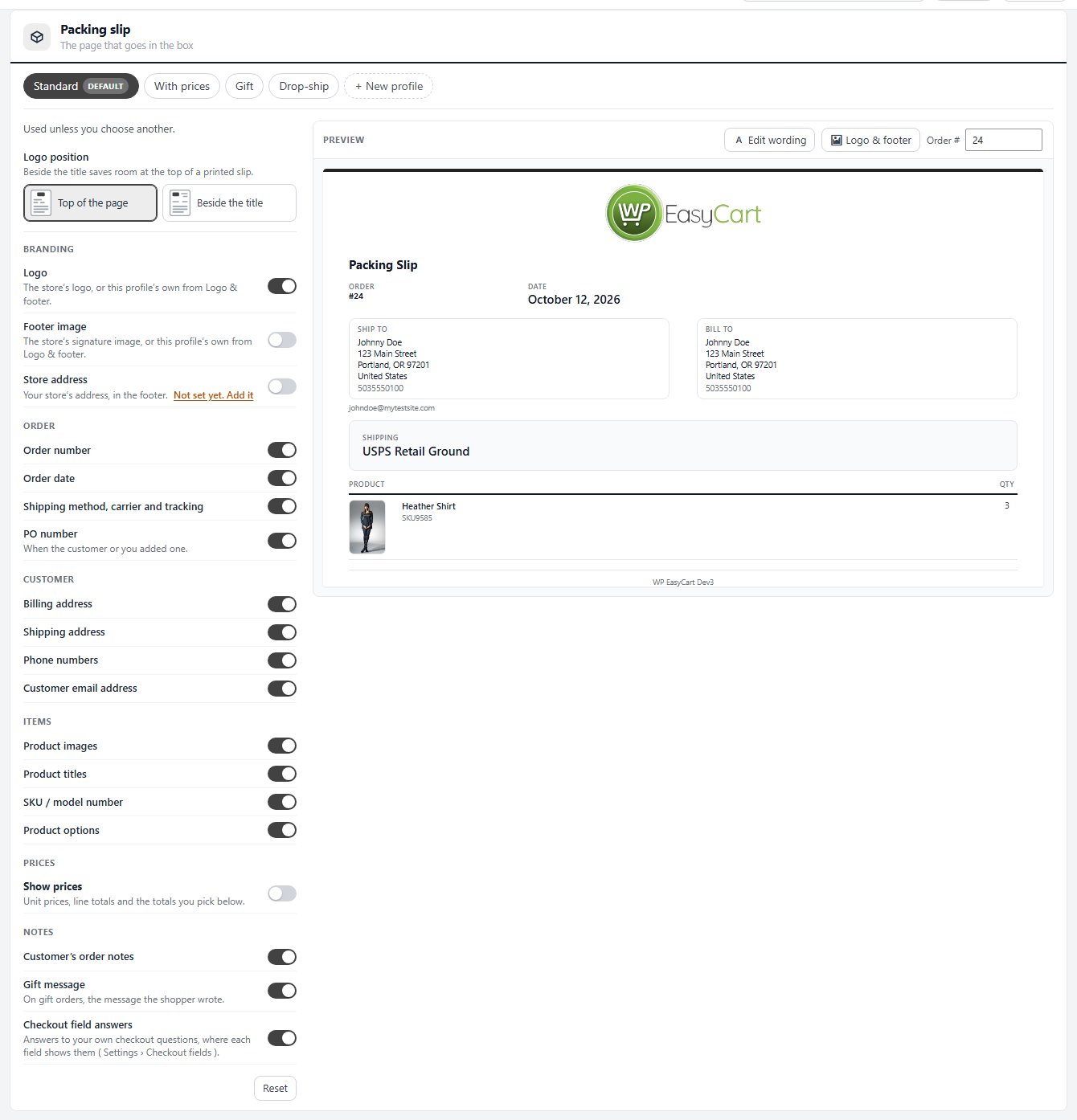
Flip. Preview. Print.
Every line is a switch, and switches save the moment you flip them. Beside them a live preview shows a real order, your newest one, exactly as it prints. Type another number in the Order # box to check a tricky order.
Prices? Show prices starts off on new stores, because a slip is for packing, not for telling a gift recipient what you paid. Short on room? Set Logo position to Beside the title. Printing a stack? Each slip gets its own page.
Where: WP Admin › EasyCart › Settings › Emails & Documents › Documents › Packing slip. Plan: Free. PRO adds ready-made gift and drop-ship versions, a PO number line and per-version logos. See every fulfilment feature.
Free edition
A packing slip worth opening.
The new slip is in the free plugin, next to your payments, shipping and tax. The free trial unlocks PRO when you want gift and drop-ship slips too. Rated 4.5 out of 5 by 200+ store owners on wordpress.org.