
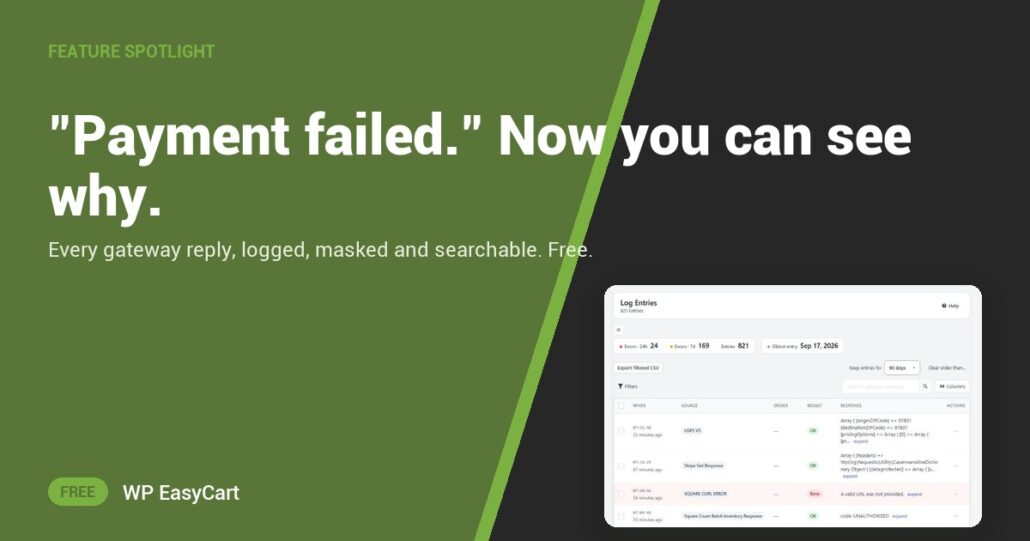
“My payment failed.” Was it the bank? A wrong key? Test mode left on? Without the gateway’s own words, you are guessing, and the customer is waiting.
WP EasyCart writes it all down. Every reply from your payment gateway, and every webhook Stripe sends, lands in Settings › Log entries. Card numbers, security codes and keys are masked before they show, so a payload is safe to copy into a support request.
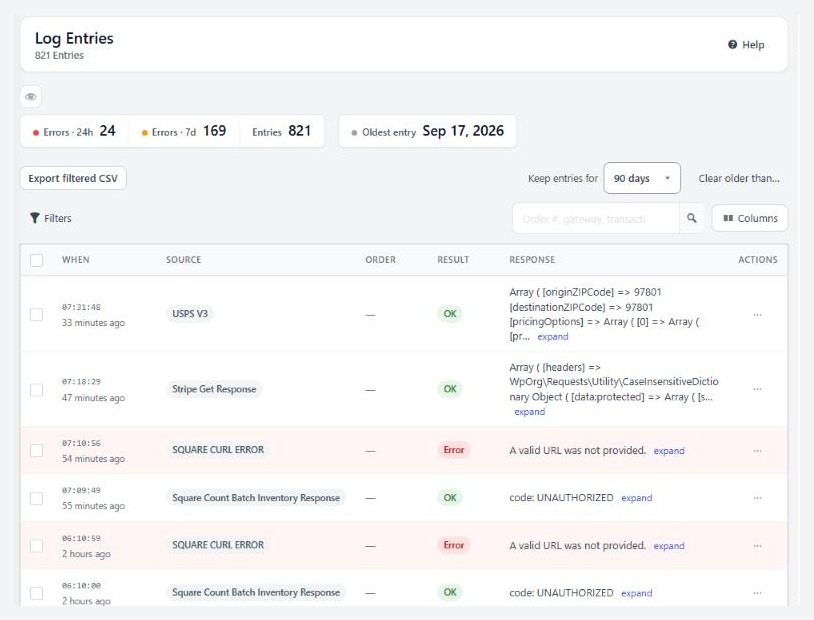
Search. Read. Fix.
Glance at Errors · 24h. A jump means something changed today. Press Errors only, or search for the order with #1234. Each entry shows the Source, such as STRIPE Payment Failed, and the Response. Expand it for the full reply, or press Copy payload.
Now you know which problem you have. A decline names a bank or card reason: the customer tries another card, nothing to fix. An error names a key, a mode, a currency or a timeout: that one is yours, and the log tells you where to look.
Before you even open the log, EasyCart › Diagnostics reads out the Payment Status card: no method selected, a connection not finished, or a gateway still in test mode. Most “it worked yesterday” problems end right there.
Entries are kept 90 days by default. Logging is on out of the box, under Log gateway and webhook responses in Settings › Admin.
Where: WP Admin › EasyCart › Settings › Log entries, and EasyCart › Diagnostics. Plan: Free, in the plugin on wordpress.org. See every payment feature, or follow the payment-failed guide step by step.
★★★★★ Rated 4.5 out of 5 by 200+ store owners on wordpress.org
“Multiple payment gateways included in free plugin… Pretty incredible capability for a free plugin.”
— wordmax, wordpress.org review, September 2020
Free edition
Stop guessing why payments fail.
Payments, shipping, tax and the logs that keep them honest, in one free plugin. The free trial unlocks PRO when you want more. Rated 4.5 out of 5 by 200+ store owners on wordpress.org.