
A shopper in Ireland opens the county list and finds nothing. They pick the wrong one, or they leave. Either way, your tax and shipping just went wrong.
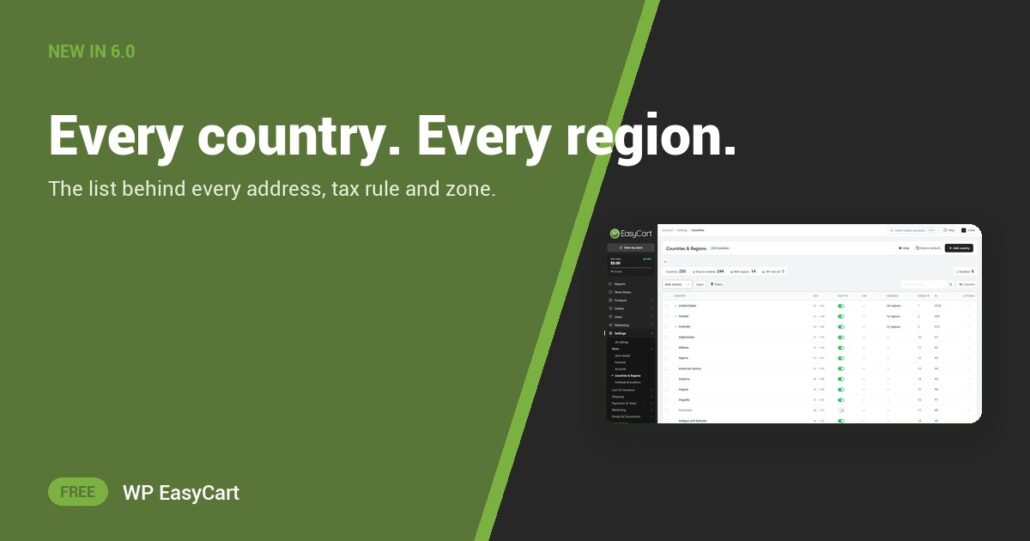
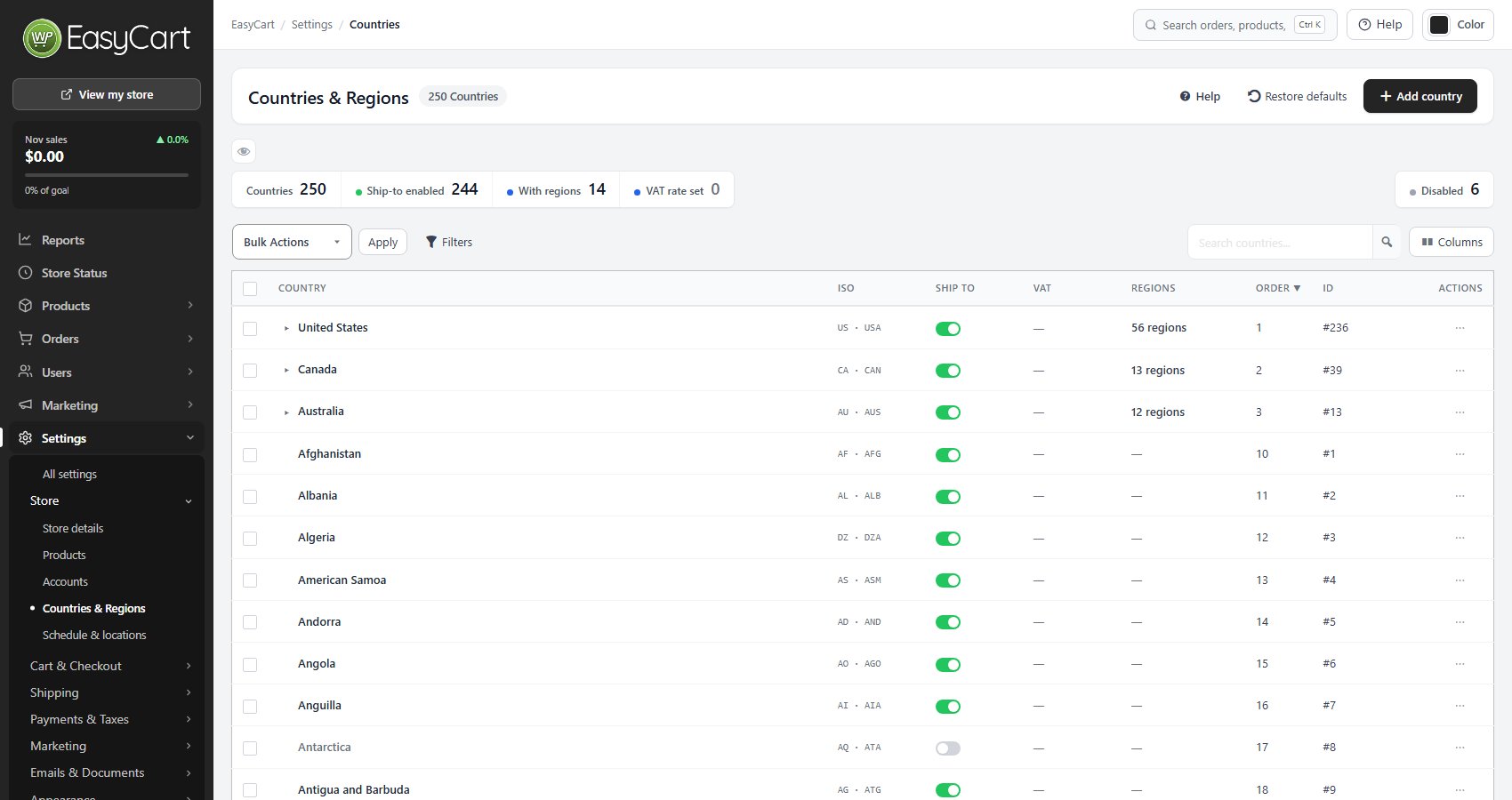
In WP EasyCart 6.0 and later, the country list covers the full ISO set: 250 countries. New stores also get default regions for Mexico, Spain, Germany, New Zealand and Ireland, with Brazil and India completed. It all sits on one screen: Settings › Store › Countries & Regions.
Pick. Order. Ship.
Each row carries the country’s ISO codes, a ship-to switch, a display order and a count of its regions. Select every country you don’t serve and switch them off together. Lift your main markets to the top of the checkout drop-down. Switching a country off deletes nothing, so a paused market keeps its regions and tax settings for later.
Open a country and its regions are right there, with Add region. Choose whether shoppers must pick one: Required, Optional or Automatic, which keeps it optional for the UK, Germany and New Zealand. The address form names things the local way too, such as County and Postcode in the UK.
Why it matters: your tax rates and shipping zones match on these region codes. Duplicate codes are refused. And each country row holds its own VAT rate and reverse charge setting, so VAT, tax and shipping all read from the same list, in the same plugin.
Edited the list into a knot? Restore brings the shipped defaults back. Existing stores are never changed on update; the new regions arrive on new installs or when you restore.
Where: WP Admin › EasyCart › Settings › Store › Countries & Regions. Plan: Free. Read the Countries & Regions guide for every setting.
Free edition
Sell to the countries you choose.
Install the free plugin, switch on the countries you ship to and set their order. The free 14-day trial unlocks PRO whenever you want more. Rated 4.5 out of 5 by 200+ store owners on wordpress.org.