
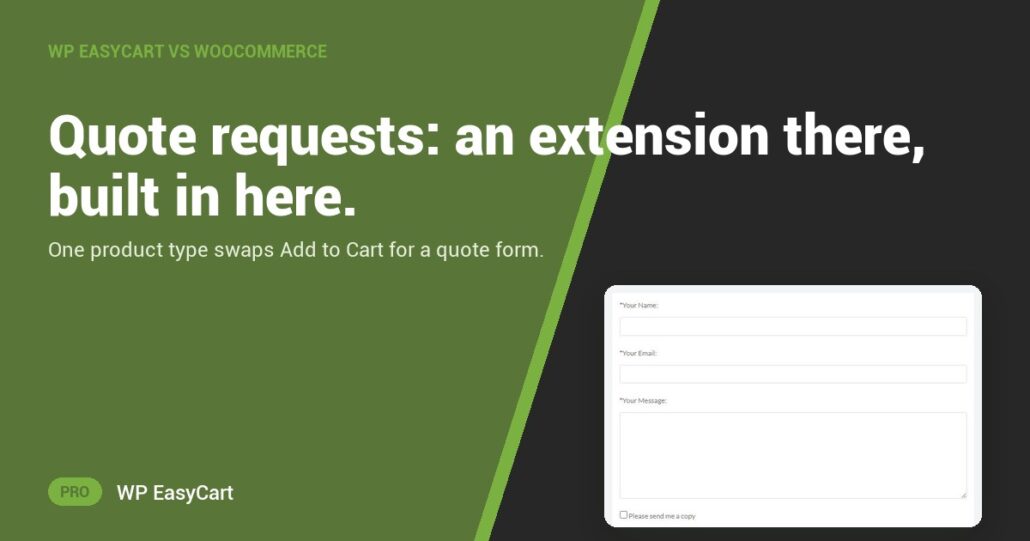
Custom cabinets. A 500-unit order. A job you price by hand. None of them fits an Add to Cart button.
On WooCommerce, the quote form comes from an extension. Its own product guide lists simple, grouped, external and variable products, with no quote type among them. The WooCommerce Marketplace sells Request a Quote for WooCommerce, a paid extension from a third-party seller, to add the quote button and hide the price, as of November 2026. One more plugin to buy, update and keep compatible.
In WP EasyCart PRO it is a product type. Open the product, set Product type to Inquiry or quote request and save. Add to Cart is gone. The store’s own form takes its place.
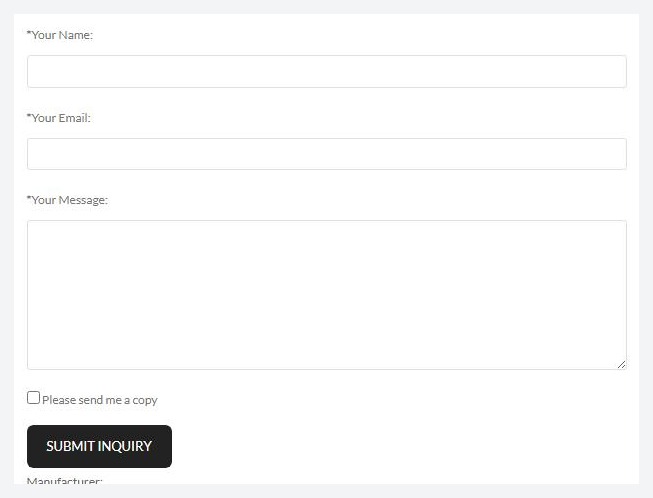
Pick the type. Get the request. Hit Reply.
The shopper types a name, an email and a message, and can tick Please send me a copy. Your email carries the product name, the SKU and any options they chose, so you know which size and finish they mean. Reply-To is the shopper’s address. Answer with Reply.
Quote by hand? Switch on Hide prices on inquiry products and no number shows. Bots? The form has its own spam protection, on from the start in 6.0 and later.
And it is one system. The quote product sits beside the ones you ship, the downloads and the subscriptions, with payments, shipping and tax in the same plugin.
Where: WP Admin › EasyCart › Products › open a product › Product type. Plan: PRO or Premium. See every product type, or read the sell-by-quote how-to guide.
★★★★★ Rated 4.5 out of 5 by 200+ store owners on wordpress.org
“I tried WooCommerce but didn’t find it very intuitive and quickly grew tired of having to install additional plugins.”
— Ron Bean, wordpress.org review, August 2024
All in one plugin
One plugin. No add-on stack.
Quote requests come with PRO, next to payments, shipping and tax. The free trial unlocks it on your own site. Rated 4.5 out of 5 by 200+ store owners on wordpress.org.