
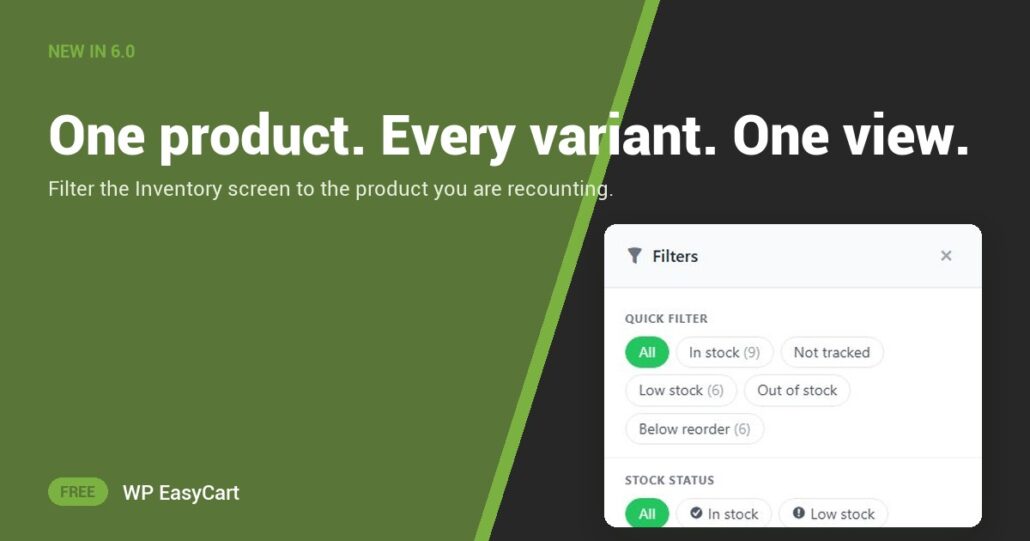
Your best-selling hoodie comes in five sizes and four colours. That is twenty stock counts, scattered through a list of hundreds. Recounting it should not mean scrolling.
In WP EasyCart 6.0 and later, the Inventory screen has a Product filter. Start typing a name, pick the product, and the list shows that product with all of its variations. Nothing else. Twenty rows, one screen.
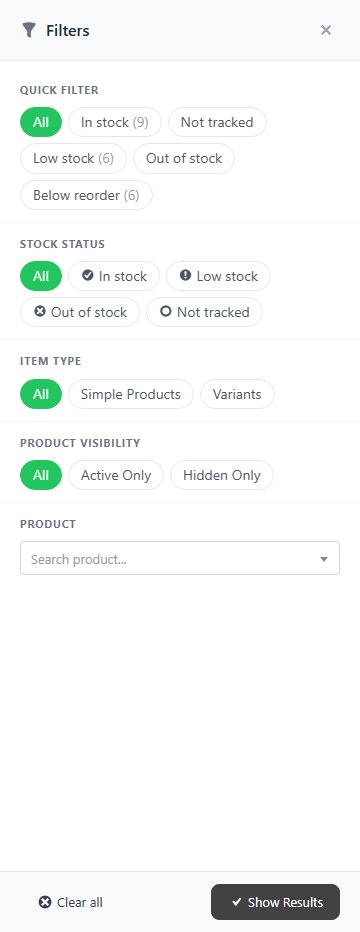
Type. Pick. Count.
Each row shows three numbers: On Hand, what is Committed to orders not yet fulfilled, and what is Available to sell. Available is the one that decides whether a shopper can buy, and seeing all three per variation is how you stop overselling the popular size.
The Product filter works with the rest of Filters: Stock Status, Item Type (simple products or variants) and Product Visibility. They combine with the search box, and the ones you applied are listed above the results, so you always know what you are looking at. Need to fix a count? Click the stock and Set, Add or Remove right there.
Want more? PRO adds a reason for every change, a full stock history and spreadsheet import. It is all part of the same plugin that takes your payments, quotes your shipping and works out your tax. No inventory add-on to buy.
Where: WP Admin › EasyCart › Products › Inventory › Filters. Plan: Free. See every inventory feature.
Free edition
Recount your busiest product today.
Install the free plugin and filter your inventory to one product in seconds. The free 14-day trial unlocks PRO stock history whenever you want it. Rated 4.5 out of 5 by 200+ store owners on wordpress.org.