
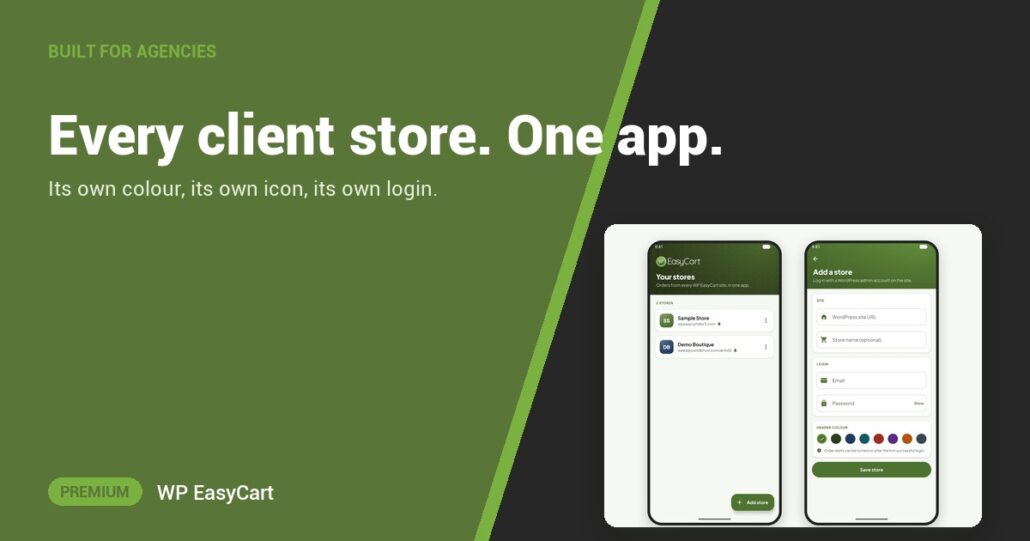
Five client stores means five bookmarks, five logins and one nagging worry: which shop did I just change?
The WP EasyCart app fixes that. One free app for iPhone and Android holds every store you run, side by side in one list.
Add. Colour. Switch.
Tap Add a store, enter the WordPress site URL (folder included, if WordPress lives in one), an optional Store name and your admin login. Then pick a Header color. Every screen for that store wears it, so you always know which shop you are in. Each store gets its own icon with its initials, too.
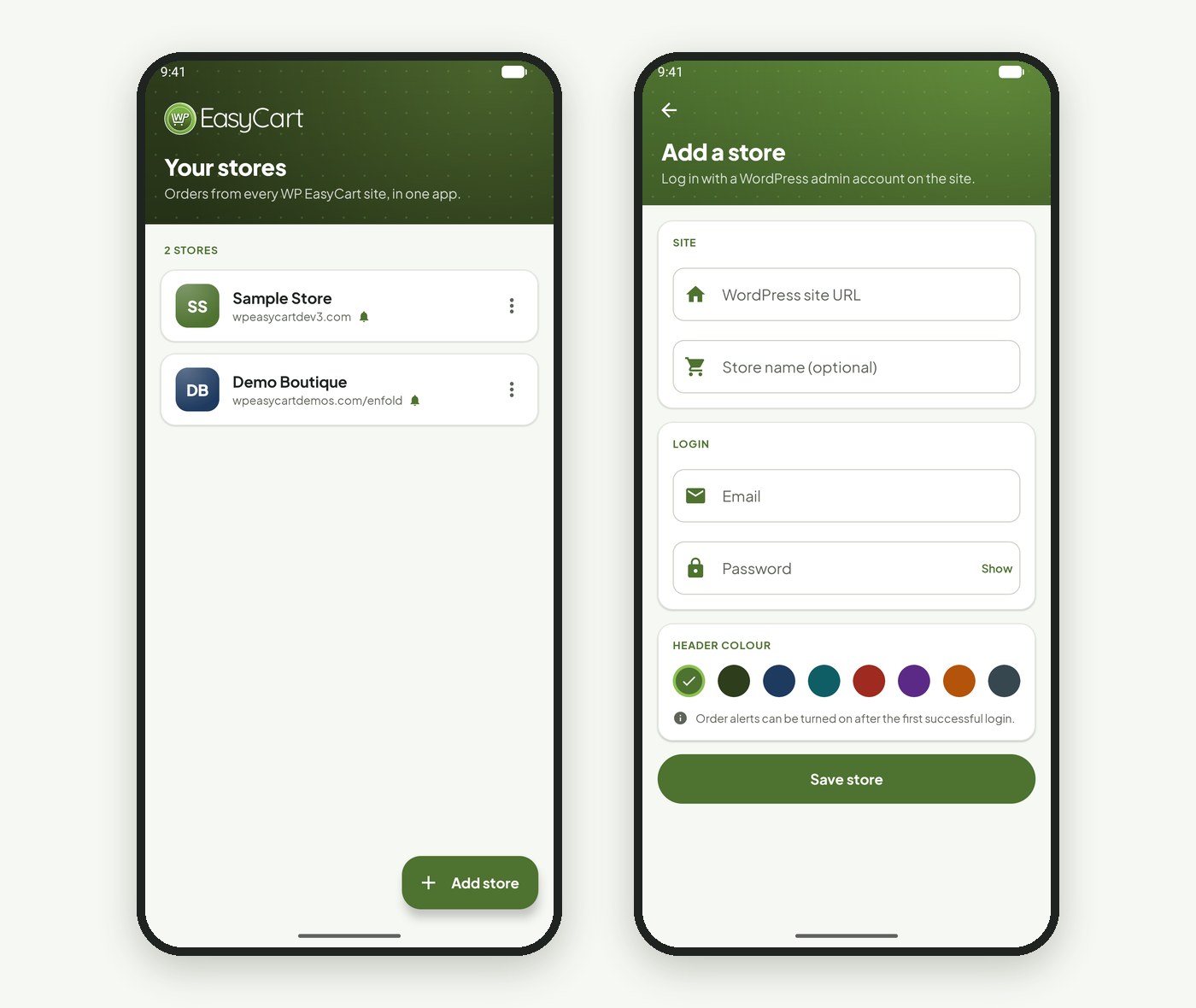
Tap a store and its latest orders load. Change a status, add tracking and email the customer, fix an address, then hop back to the list and into the next client. The ⋮ menu edits or removes a store; removing it only takes it off this phone.
Working as a team? Each person signs in with their own admin account, so nobody shares a password. Logins stay on the device, in the Keychain on iPhone. And New order alerts work for up to ten stores per phone, so a sale on any client shop reaches you.
Where: your phone › WP EasyCart app › Add a store. Plan: each store needs a Premium license with WP EasyCart PRO active on the site. See the phone apps.
★★★★★ Rated 4.5 out of 5 by 200+ store owners on wordpress.org
“We have been using WPEasy Cart since 2018 on our website design/builds and recommend this plugin to all of our ecommerce clients.”
— Tina Marker, wordpress.org review, August 2024
WP EasyCart PRO
All your stores. One pocket.
Premium is PRO plus every Premium extension, the phone app included: payments, shipping, tax and orders in one plugin for every client. Start a free trial and add your first store. Rated 4.5 out of 5 by 200+ store owners on wordpress.org.