
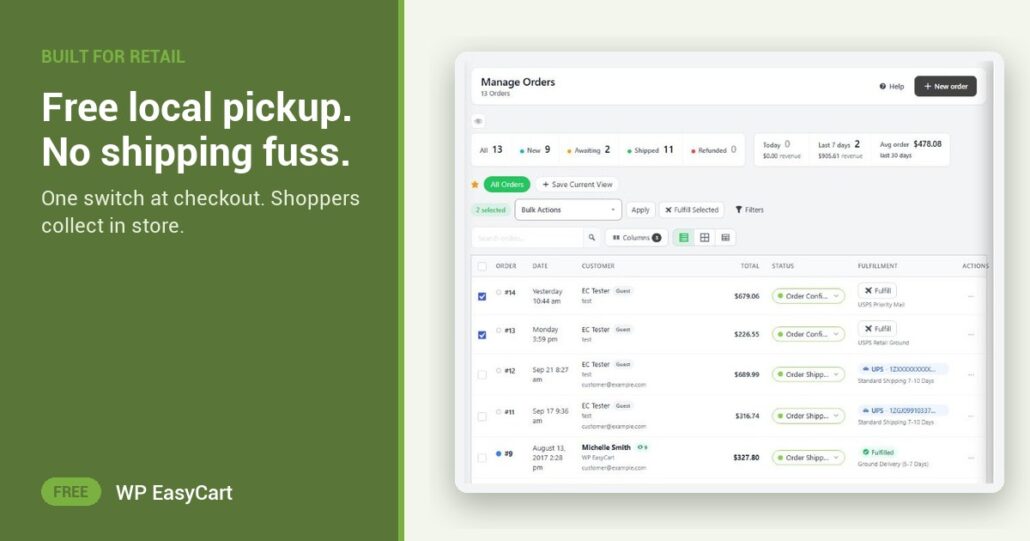
The shopper lives ten minutes away. Your checkout still asks them to pay for a parcel. So they leave, and buy it somewhere with a pickup button.
In WP EasyCart, one switch fixes that. Turn on Offer free local pickup and a free pickup option sits beside your shipping rates at checkout. It costs you nothing, it removes the shipping objection, and it brings people through your door. Your online store and your counter finally work as one shop.
Order online. Collect in store. Done.
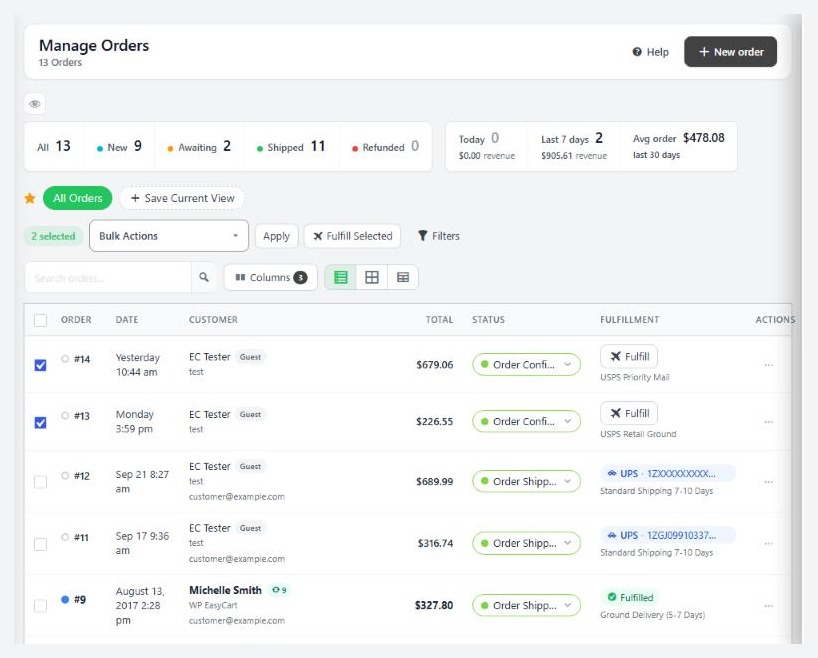
Pickup orders skip the carrier entirely. No label, no tracking number to paste. The order screen reads Ready for pickup and Picked up instead of shipped and delivered, and the Fulfill button on the orders list becomes Mark picked up. One click when the customer walks in. With PRO, Bulk Fulfill marks a whole stack of pickup orders collected at once, and never sends a shipped email for them.
Need pickup times, store hours or more than one location? PRO adds pickup scheduling on top. But the basic collect-in-store flow is free.
Where: WP Admin › EasyCart › Settings › Shipping › Shipping Settings › Options at checkout. Plan: Free. Read the shipping settings guide and how to fulfill orders.
★★★★★ Rated 4.5 out of 5 by 200+ store owners on wordpress.org
“We have about a thousand products in many categories and subcategories. EasyCart works great for us.”
— danradin, wordpress.org review, November 2020
Free edition
Open your counter to online orders.
Pickup, shipping, payments and order emails in one free plugin. The free trial unlocks PRO when you want pickup times and bulk fulfilment. Rated 4.5 out of 5 by 200+ store owners on wordpress.org.