
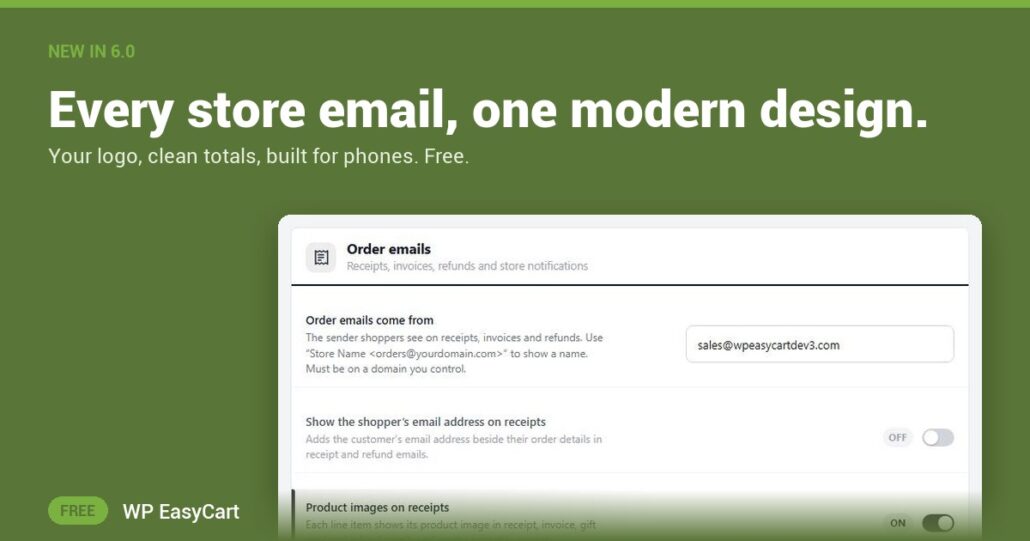
Your receipt is the first thing a customer reads after they pay. If it looks broken on a phone, the whole store feels less trustworthy.
In WP EasyCart 6.0 or greater, every store email shares one modern design. A 600px layout that stacks neatly on phones. Your store logo and accent colour at the top. Addresses in tidy address cards. A clear item table, clear totals and a footer. Receipts, shipped emails and the rest all match, so every message looks like it came from the same brand. Because it did.
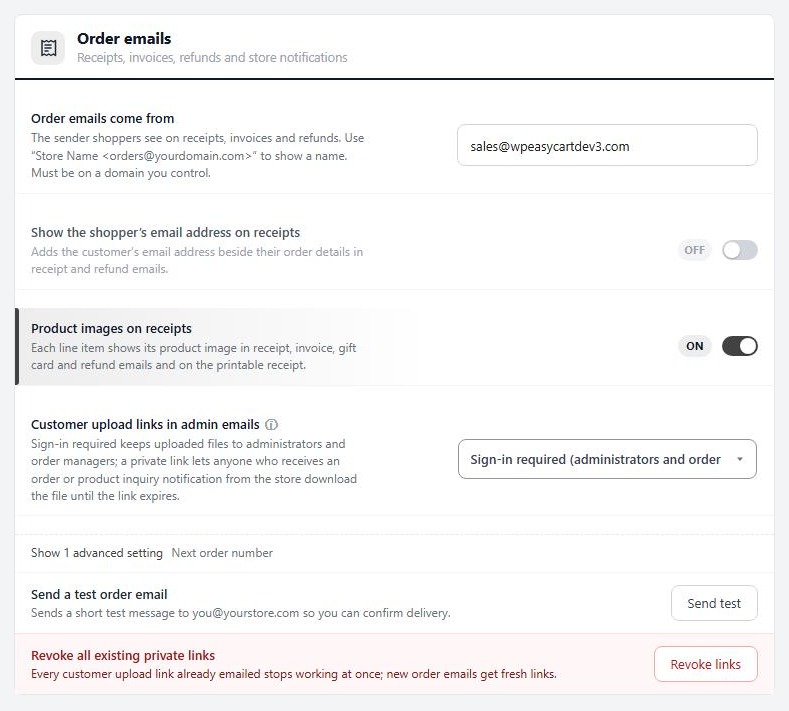
Your logo. Your look. Every inbox.
Set the look once in Settings › Email › Sender. Pick your Email logo, then size it with Logo width and Logo height limit so a tall logo never pushes the order below the fold on a phone. Choose left, center or right with Logo position. Add your Store address and it prints in the footer. No more cutting the image to size first.
Want to check before a customer does? Settings › Documents shows a live preview built from a real order, and Send a test email lands one in your own inbox. PRO adds a signature block and a logo for each document profile.
Where: WP Admin › EasyCart › Settings › Email, and Settings › Documents. Plan: Free. See every order and email feature, or follow the order emails how-to.
★★★★★ Rated 4.5 out of 5 by 200+ store owners on wordpress.org
“All over the settings of this plug-in you can see and feel all the time and attention that’s gone into this app!”
— actual_size, wordpress.org review, February 2023
Free edition
Send a receipt you are proud of.
The new email design comes free with WP EasyCart. The free trial unlocks PRO when you want signatures, document profiles and invoice PDFs. Rated 4.5 out of 5 by 200+ store owners on wordpress.org.