
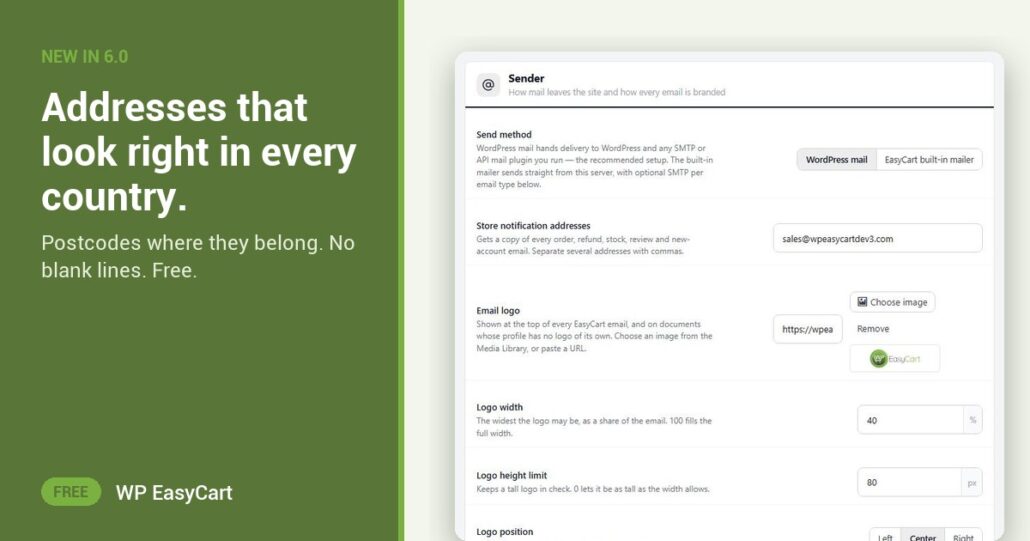
A receipt that reads “Berlin 10115” looks wrong to a German, who writes “10115 Berlin”. Small thing. But it tells the customer your store was not built with them in mind.
In WP EasyCart 6.0 or greater, addresses in store emails follow each country’s own format. The postcode comes before the city in most of Europe. In the UK it sits on its own line. Nothing to set up. The store reads the country and writes the address to match.
Right order. No gaps. No fuss.
It fixes the other classic too: the blank line. No company name? No second address line? No state or postcode? The line simply is not there, so the address stays tight instead of leaving holes in the receipt.
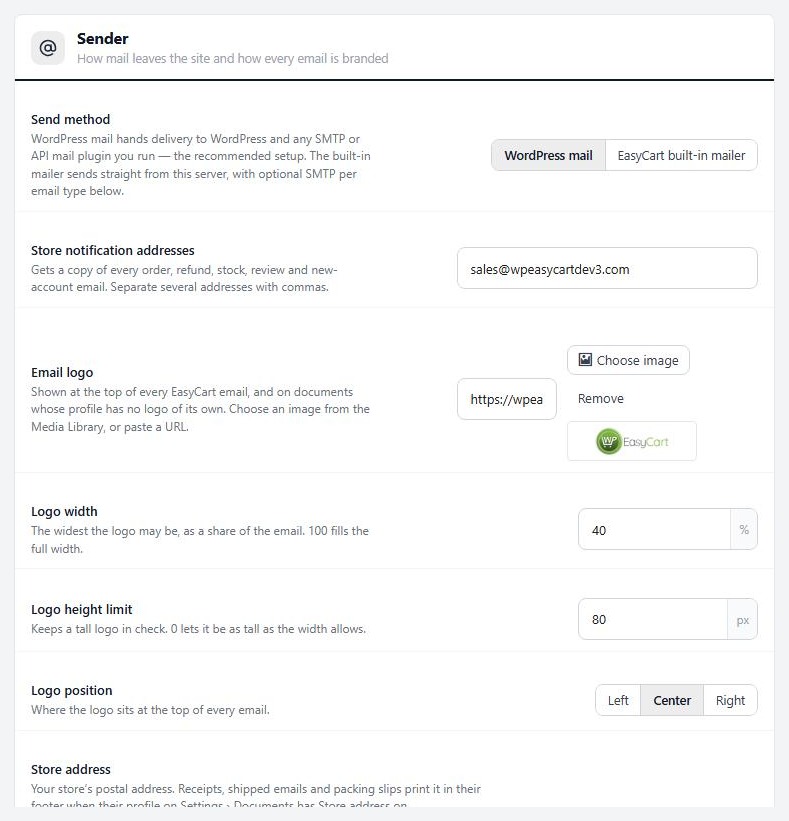
The addresses sit in clean address cards inside the new 6.0 email design, next to your logo, the item table and the totals. Add your own Store address in Settings › Email › Sender and it prints in the footer of receipts, shipped emails and packing slips.
Selling across borders is easier when the whole store is one system. Payments, tax and VAT, shipping zones and the emails that follow an order all live in the same plugin.
Where: automatic in every store email; your own address is in WP Admin › EasyCart › Settings › Email › Sender. Plan: Free. See every order and email feature, or follow the order emails how-to.
Free edition
Ship anywhere. Look local.
Country-perfect addresses come free in WP EasyCart. The free trial unlocks PRO for live carrier rates, invoice PDFs and more. Rated 4.5 out of 5 by 200+ store owners on wordpress.org.