
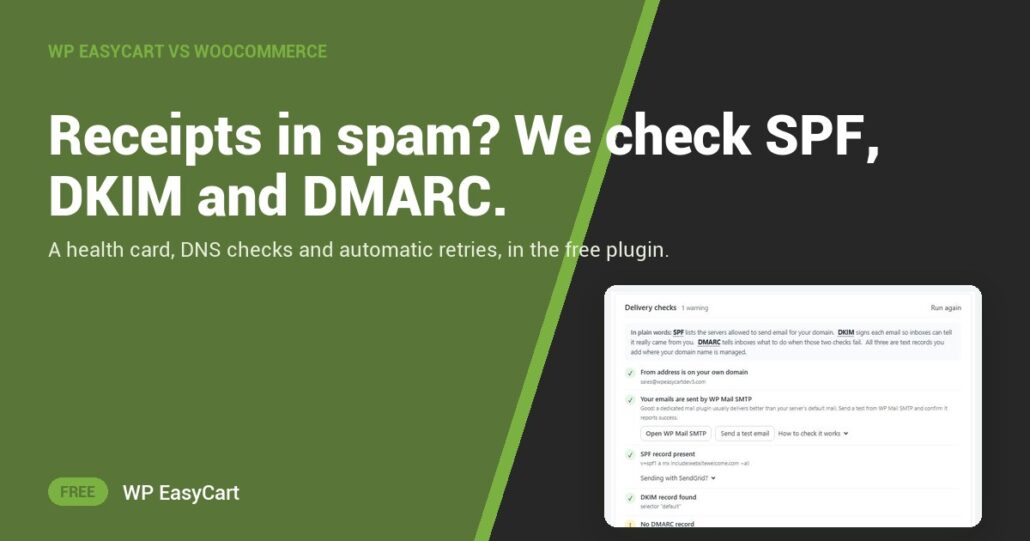
A customer pays, then emails you: “Did my order go through?” The receipt is in their spam folder. Or it never left.
On WooCommerce, its email FAQ logs each send attempt and then hands the rest to you, as of October 2026: check that your authentication is in place, sign up with an SMTP provider. No DNS check. No automatic retry. You go and find out.
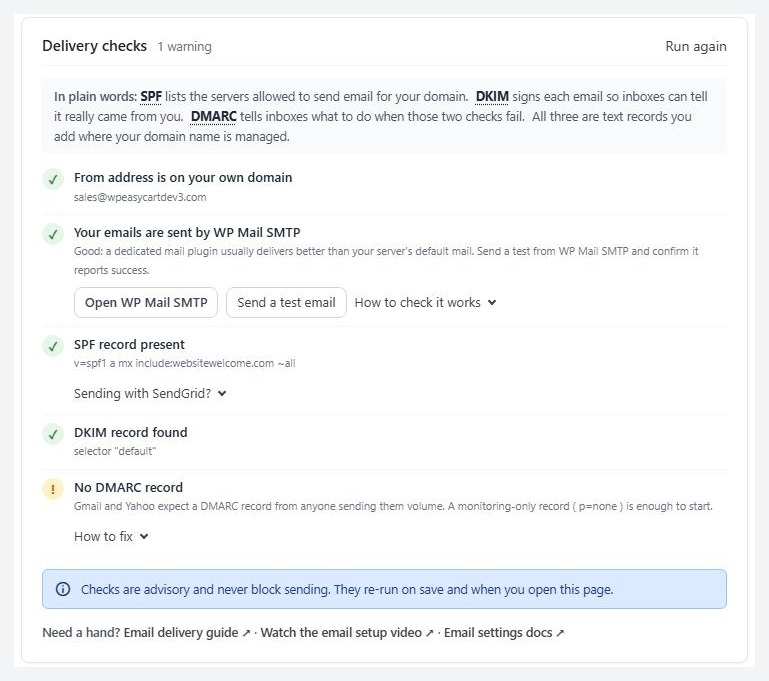
WP EasyCart does the finding out. Open Settings › Email and the Delivery checks card looks up SPF, DKIM and DMARC for your order from address, flags a Gmail or Yahoo sender, and points you to a free mail plugin if mail still leaves straight from your server.
Check. Fix. Deliver.
The Email health card reads your last seven days: a green, amber or red ring, the last error in plain words, and a suggested fix. Three failures in a row and a red banner shows on every EasyCart screen until you deal with it.
A failed receipt is not lost. The retry queue tries again after a minute, ten minutes, an hour, then every six hours. Send queue now runs it at once. On the Orders list, a Receipt not sent chip shows exactly which customers to worry about.
Where: WP Admin › EasyCart › Settings › Email. Plan: Free, in WP EasyCart 6.0 or greater. See every order and email feature.
★★★★★ Rated 4.5 out of 5 by 200+ store owners on wordpress.org
“I tried WooCommerce but didn’t find it very intuitive and quickly grew tired of having to install additional plugins.”
— Ron Bean, wordpress.org review, August 2024
All in one plugin
One plugin. Receipts that arrive.
Email checks are free. The free trial unlocks PRO for subscriptions, live rates and more, all in the same plugin. Rated 4.5 out of 5 by 200+ store owners on wordpress.org.