
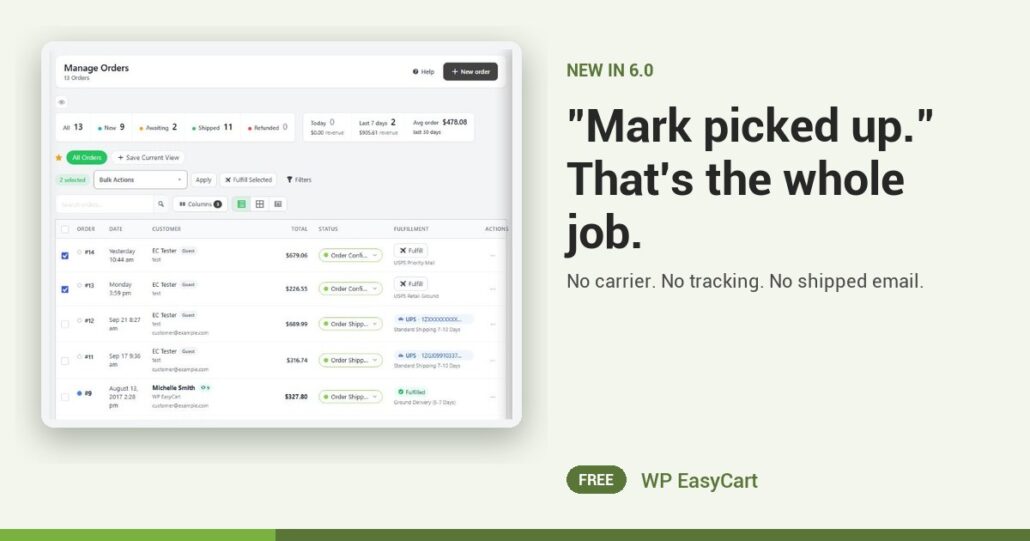
Most order screens assume every order ships. So your counter staff type a fake carrier and a fake tracking number, and the customer gets a “your order has shipped” email for a bag on the shelf.
In WP EasyCart 6.0 or greater, a pickup order knows it is a pickup order. The steps bar across the top of the order reads Ready for pickup and Picked up, not Pack & ship and Shipped. The Next step panel offers one button: Mark picked up.
Bag it. Hand it over. Done.
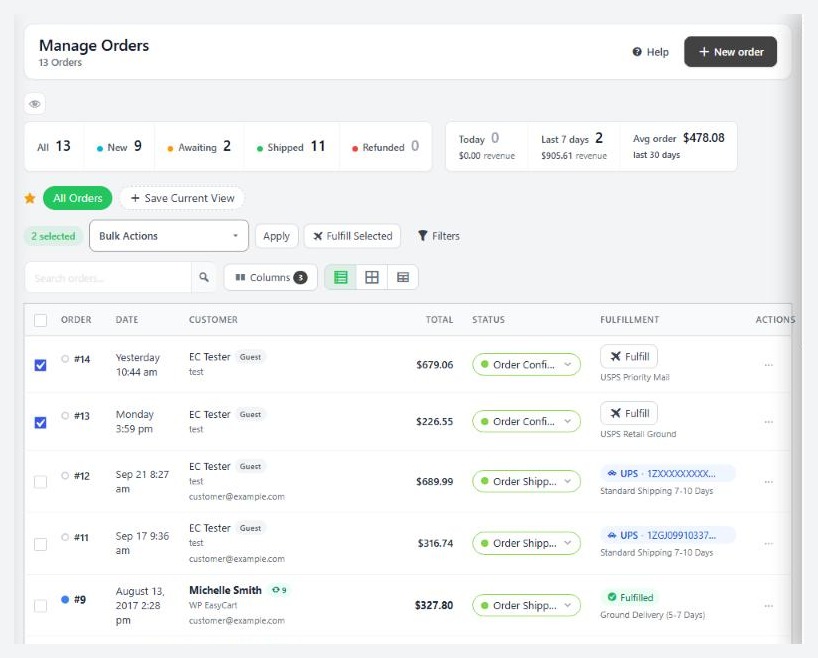
Press Mark picked up and the order moves to Order Picked Up. No carrier, no tracking, no shipped email. You do not even need to open the order: on the orders list, a pickup row shows Mark picked up where a shipping row shows Fulfill.
Mornings get easier too. The Pickup tile at the top of the list counts the pickup orders, and the Pickup fulfillment filter shows just those. Busy Saturday? With PRO, tick a handful of orders, press Fulfill Selected, and the pickup ones are marked picked up while the rest ship.
Pickup sits in the same plugin as your payments, shipping, tax and order emails. One order screen for every kind of order, no add-on for the counter.
Where: WP Admin › EasyCart › Orders › Orders. Plan: Free; bulk fulfil is PRO. See every fulfilment feature.
Free edition
Hand over your first pickup order today.
Pickup fulfilment is in the free plugin, and the free trial unlocks PRO for bulk fulfil and more. Rated 4.5 out of 5 by 200+ store owners on wordpress.org.