
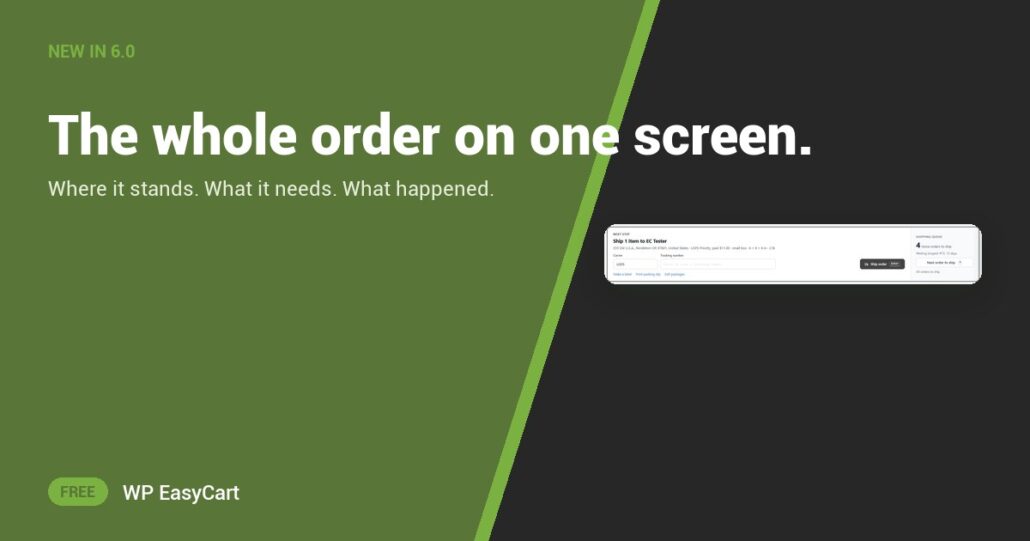
One tab for the payment, one for the address, one for the notes, and a sticky note for what to do next. That is how most order screens feel.
In WP EasyCart 6.0 or greater, the order is one page. Five steps across the top show where it stands: Placed › Paid › Pack & ship › Shipped › Delivered. Anything you must read before acting, like Possible card test or Payment on hold, sits above the rest.

Read it. Ship it. Next.
The Next step panel names the one thing the order needs. Pick the carrier, paste the tracking number, press Ship order or Enter: the order is shipped and the customer has the tracking email in one step. Beside it, the Shipping queue says how many orders wait and Next order to ship takes you there.
Below sit the cards: Items to pack with a tick per line, Payment with Charged, Refunded and Net received, the customer, both addresses, Documents with Send again, and a team-only Activity timeline. Press Ctrl K to find an order or run an action, or N for the next one to ship. PRO adds the refund window, Record payment, Invoice & PO and the Source card.
★★★★★ Rated 4.5 out of 5 by 200+ store owners on wordpress.org
“All over the settings of this plug-in you can see and feel all the time and attention that’s gone into this app!”
— actual_size, wordpress.org review, February 2023
Where: WP Admin › EasyCart › Orders › Orders, then open an order. Plan: Free; refunds and invoicing tools are PRO. See every fulfilment feature.
Free edition
Ship your next order in one click.
The new order screen is in the free plugin, and the free trial unlocks PRO refunds and invoicing. Rated 4.5 out of 5 by 200+ store owners on wordpress.org.