
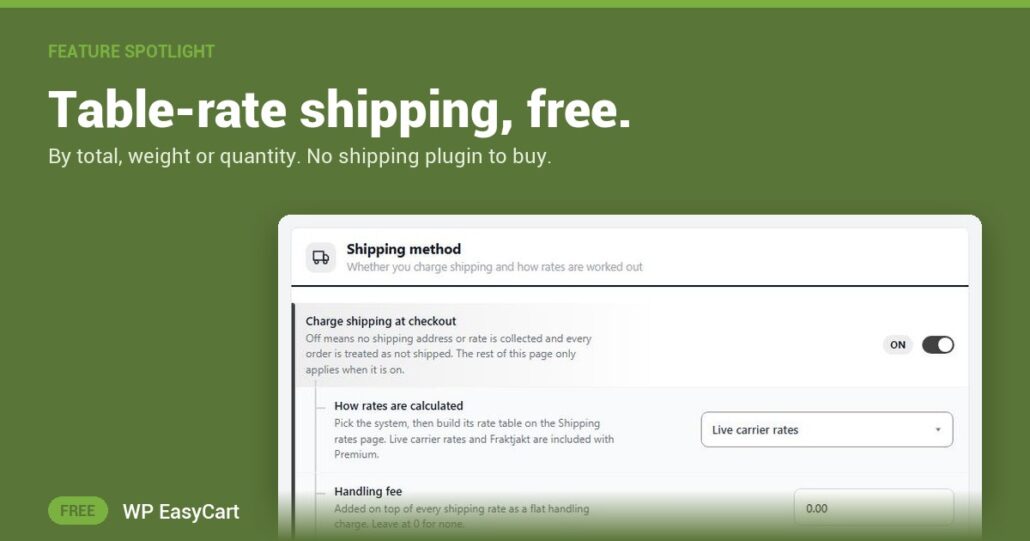
One shipping price for every order means a T-shirt overpays and a box of books ships at a loss.
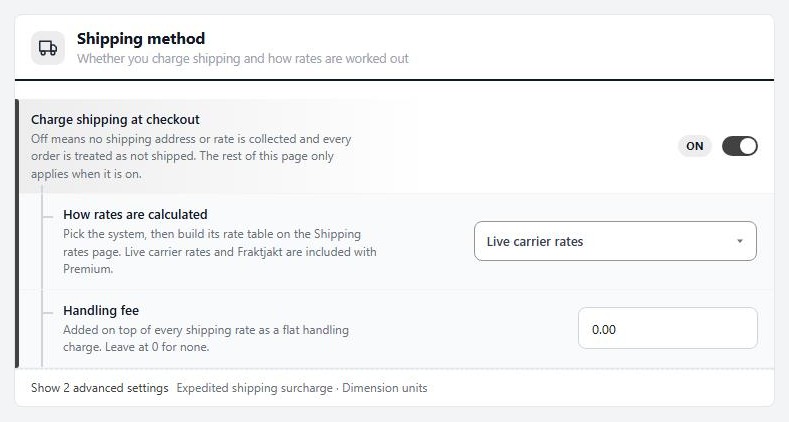
The free WP EasyCart plugin gives you five ways to price it, and you pick one under How rates are calculated: flat rates you name, like Standard and Express; by cart total; by weight; by quantity; or a percentage of the total. No table-rate add-on, no extra plugin.
Pick a method. Add rows. Done.
Each table is a short list of tiers. A row says where it starts ( a cart total, a weight or a number of items ) and what it charges. The row with the highest starting point at or below the order applies. Start the first row at 0 and every order gets a rate.
By weight is the closest of the manual systems to what a parcel really costs you, so give your products weights and it prices itself. By cart total is how free shipping is built: add a row at your threshold with a rate of 0. On flat rates, fill in Free shipping at instead. Add a Handling fee to cover boxes and tape on every order.
Only the active method’s table is used, and switching method deletes nothing. Try by weight, compare it with by total, keep the one that pays. When you outgrow tables, PRO adds live USPS, UPS and FedEx rates in the same screen.
Where: WP Admin › EasyCart › Settings › Shipping › Shipping settings, then Shipping rates. Plan: Free. See every shipping feature.
★★★★★ Rated 4.5 out of 5 by 200+ store owners on wordpress.org
“The feature-rich free version, the extensive documentation, the whole package – I love this product and would recommend it to anyone who wants to run e-com in the WordPress ecosystem.”
— rabbitrun, wordpress.org review, March 2023
Free edition
Shipping that covers its cost.
Table rates, zones and free-shipping thresholds come in the free plugin, next to payments and tax. The free trial unlocks PRO and live carrier rates when you want them. Rated 4.5 out of 5 by 200+ store owners on wordpress.org.