
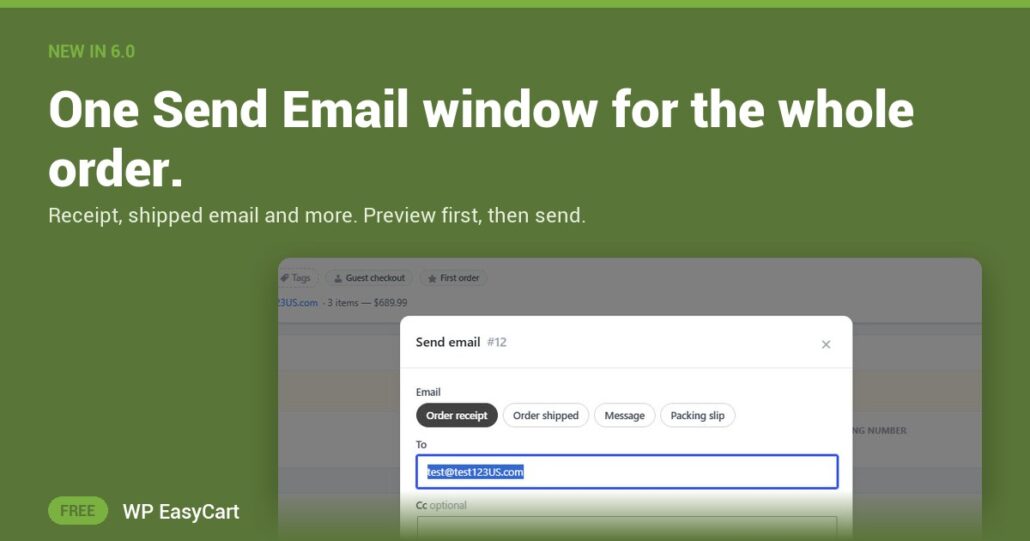
“I never got my receipt.” So you hunt for the resend button, hope the address is right, and send it blind.
In WP EasyCart 6.0 and later, every order has one Send Email window. Open the order, then its … menu, then Send Email. Pick Order receipt or Order shipped at the top. It even opens on the shipped email when the order already has a tracking number.
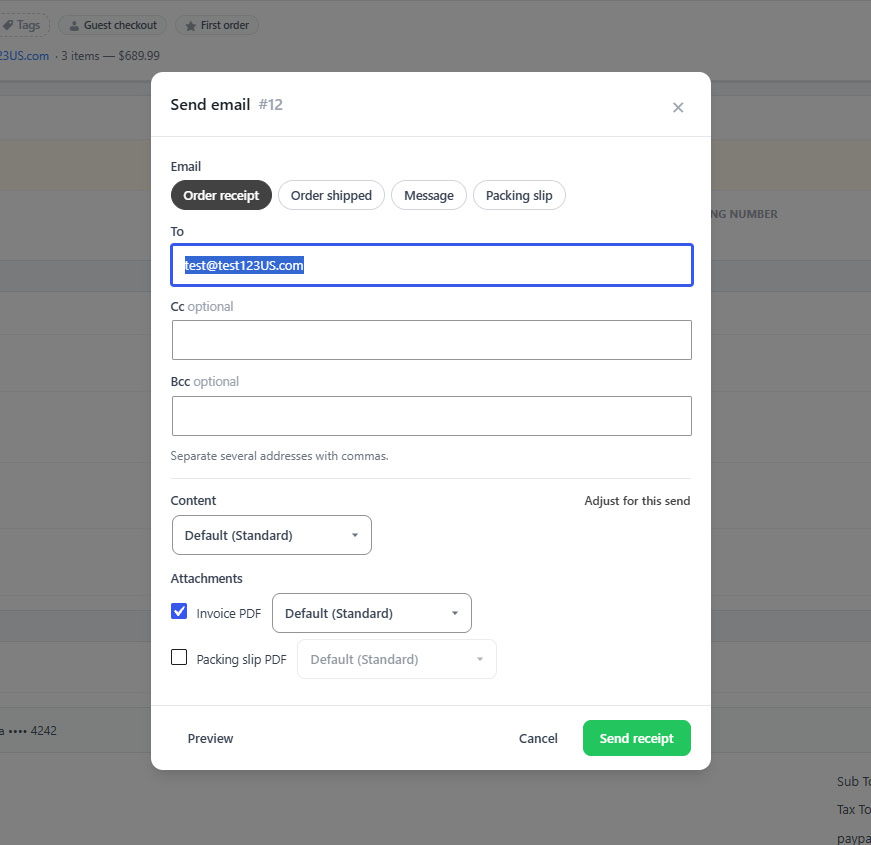
Choose. Preview. Send.
- To, Cc and Bcc: starts with the customer. Add your accountant, or send a copy to a supplier only.
- Preview: see exactly what goes out before it goes.
- The send button names what it will send. No guessing.
Every send lands in the order’s activity log, with who it went to. So when a customer says the email never came, you know.
With PRO the same window does more: a packing slip email for your drop-ship supplier, a plain message, invoice and packing slip PDFs attached, prices off for one gift send, and split shipments with only the items in this box ticked.
Where: WP Admin › EasyCart › Orders › open an order › Send Email. Plan: Free for the receipt and shipped email; PRO or Premium for the extras. Works in WP EasyCart 6.0 or greater. Read the sending order documents guide.
Free edition
Resend it right the first time.
Orders, emails, payments and shipping in one free plugin. The free trial unlocks PRO when you want the PDFs and split shipments. Rated 4.5 out of 5 by 200+ store owners on wordpress.org.