
You sold the last one. Then you sold it again. Now you are writing an apology email and issuing a refund for something you never had.
WP EasyCart counts your stock for you, in the free plugin. Open a product, choose Inventory, and set Track stock to Total. Enter your Units in stock. Every sale takes from that number, and the cart will not let a shopper add more than you have. It tells them why, right at the item: “Only 3 in stock.”
Count. Cap. Warn.
You decide what happens at zero. By default the Add to cart button turns into an out-of-stock notice and the product stays listed. Prefer it gone? Turn on Hide sold-out products from lists. More on the way? Turn on Sell when out of stock, add an Expected back in stock date, and the button reads BACKORDER NOW.
Then get warned before it happens. In Stock alerts, set An item is low at and turn on Email me when stock runs low and Email me when a product sells out. One email per drop, no inbox flood. A Maximum per order stops one customer taking your last twenty.
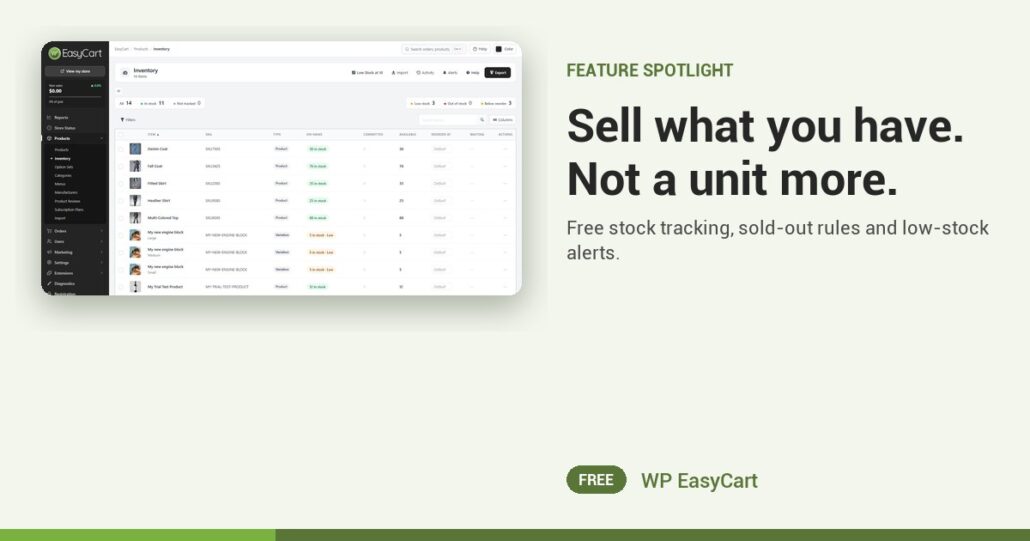
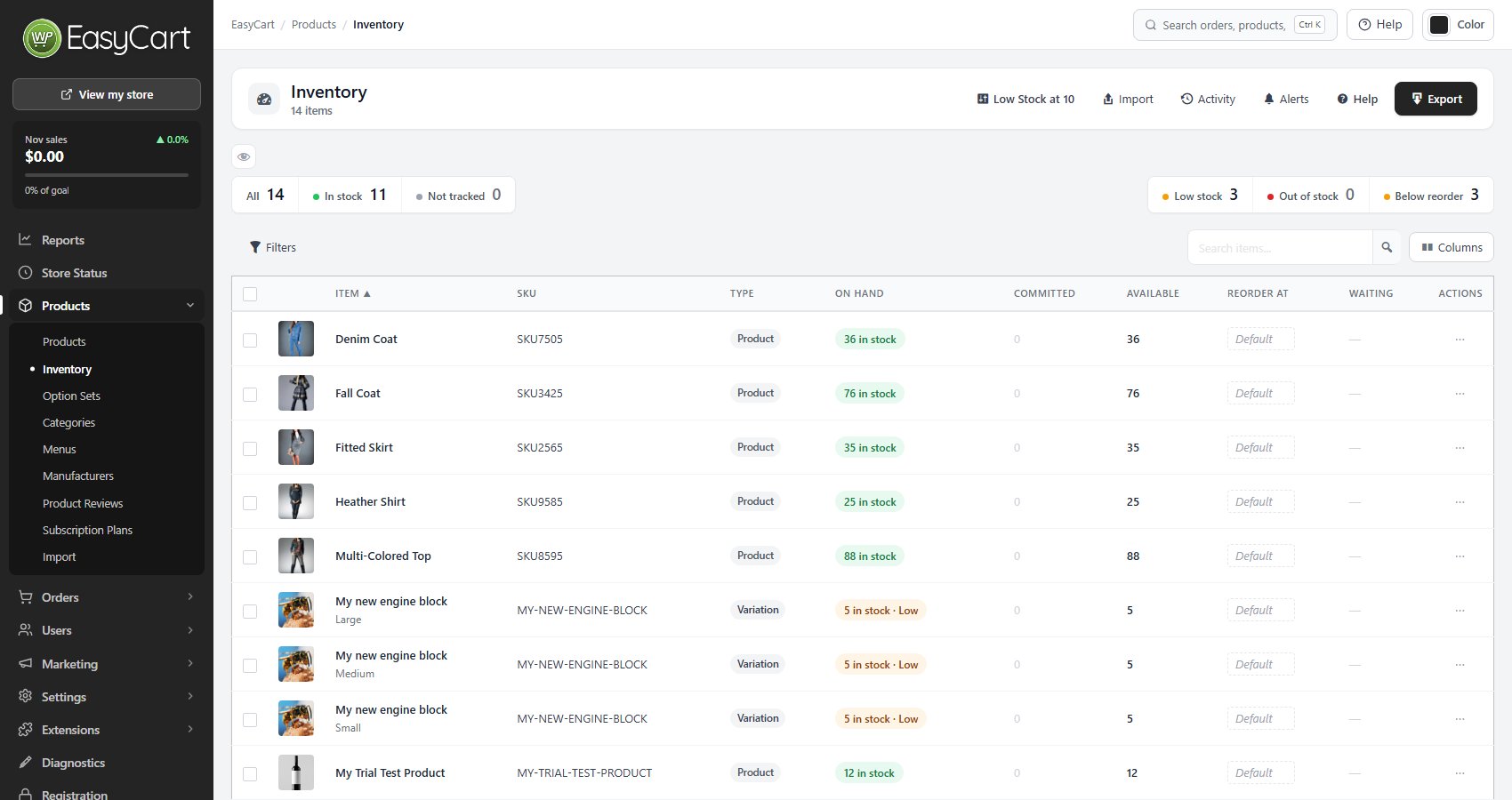
The Inventory page shows every tracked item with In stock, Low stock, Out of stock and Not tracked counts across the top. Spot the gaps, fix a number in one click. PRO adds stock per size and colour, a reason and history for every change, and CSV import. Same plugin that takes your payments and quotes your shipping. No inventory add-on.
Where: WP Admin › EasyCart › Products › Inventory, and Settings › Products › Stock. Plan: Free. See every inventory feature.
Free edition
Stop selling stock you do not have.
Install the free plugin and turn on stock tracking tonight. The free 14-day trial unlocks PRO per-variant stock and stock history whenever you want them. Rated 4.5 out of 5 by 200+ store owners on wordpress.org.