Feature Spotlight
Customer File Uploads That Can’t Bite.
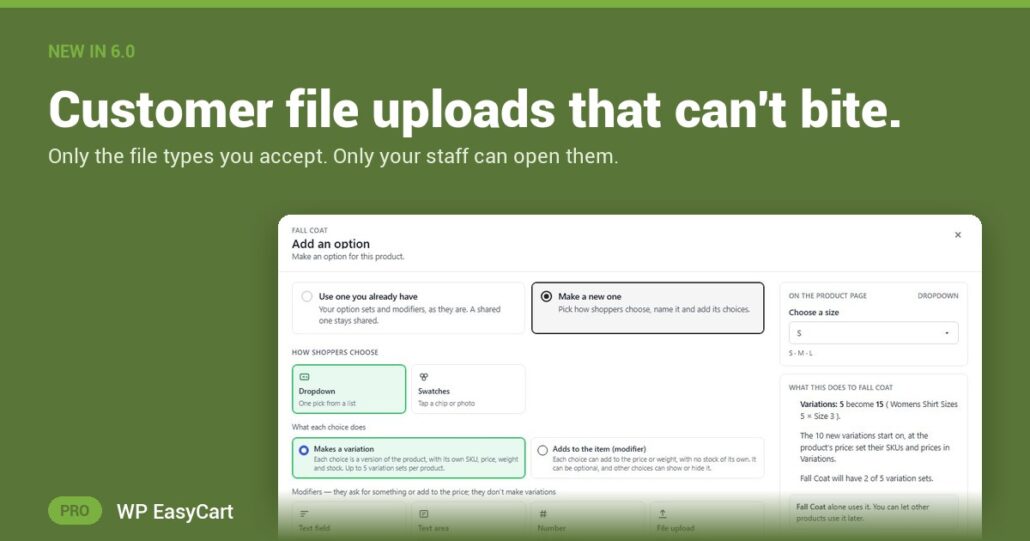
Taking artwork or photos with an order? WP EasyCart PRO limits the file types, checks what is really inside each file and keeps the download links to your staff.

Taking artwork or photos with an order? WP EasyCart PRO limits the file types, checks what is really inside each file and keeps the download links to your staff.

A blurry photo, a lowercase monogram, a missing date. Here is why personalised orders go wrong, what each mistake costs, and how WP EasyCart checks every file and every word before the customer pays.
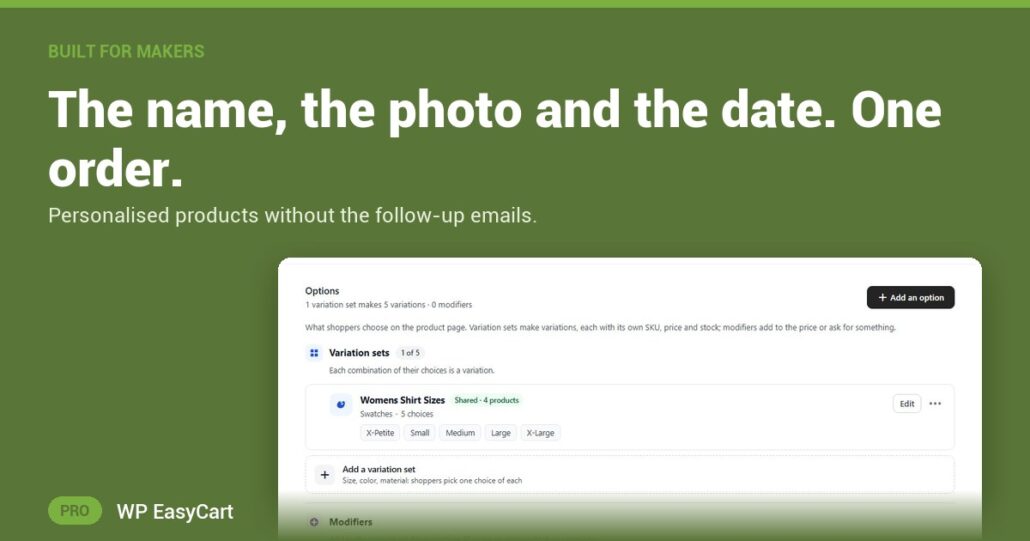
Handmade and made-to-order sellers lose hours chasing details by email. WP EasyCart PRO asks for the name, the photo and the date on the product page, and prices the extras for you.
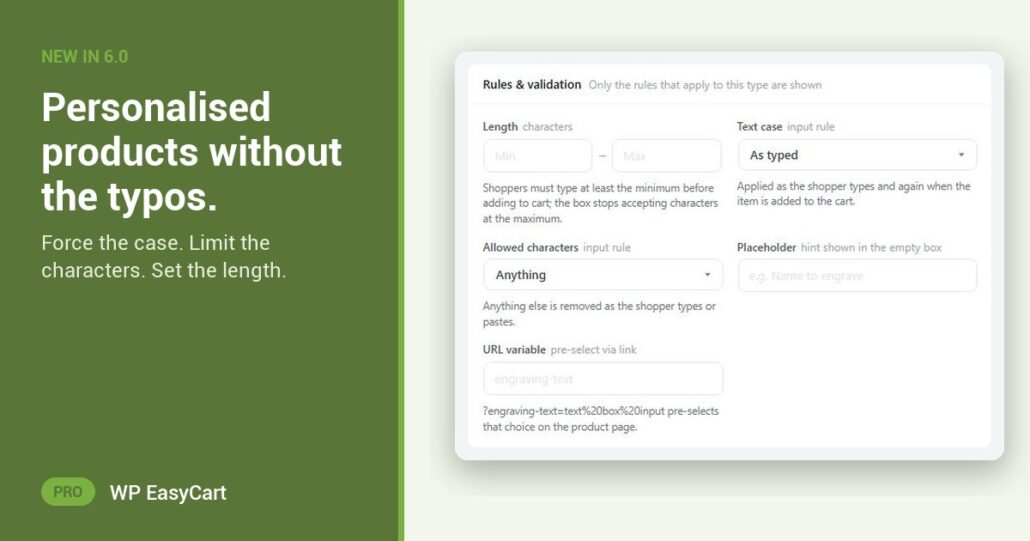
Engraving, monograms and name prints go wrong at the text box. WP EasyCart PRO text options force the case, limit the characters and set the length before the order reaches you.
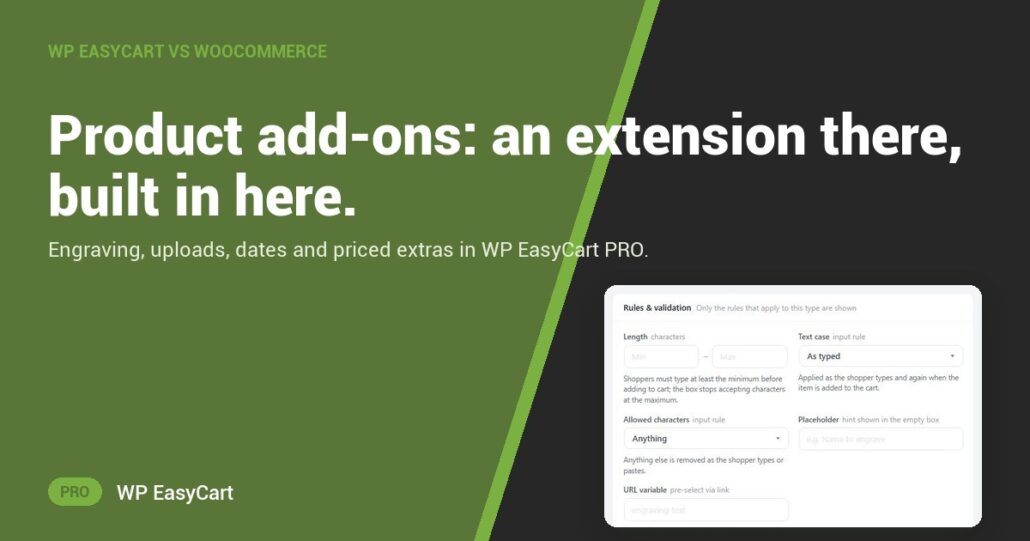
On WooCommerce, engraving boxes, file uploads and priced extras come from the Product Add-Ons extension. WP EasyCart PRO builds them into every product, conditional logic included.
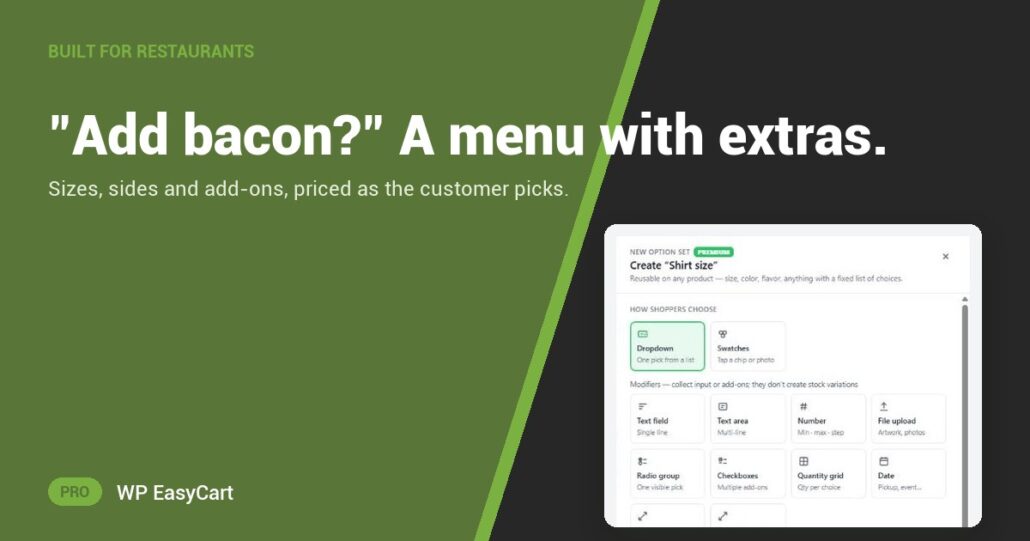
Sizes, sides and extra cheese, priced as the customer picks. WP EasyCart PRO turns your menu into option sets and modifiers you build once and reuse on every dish.