
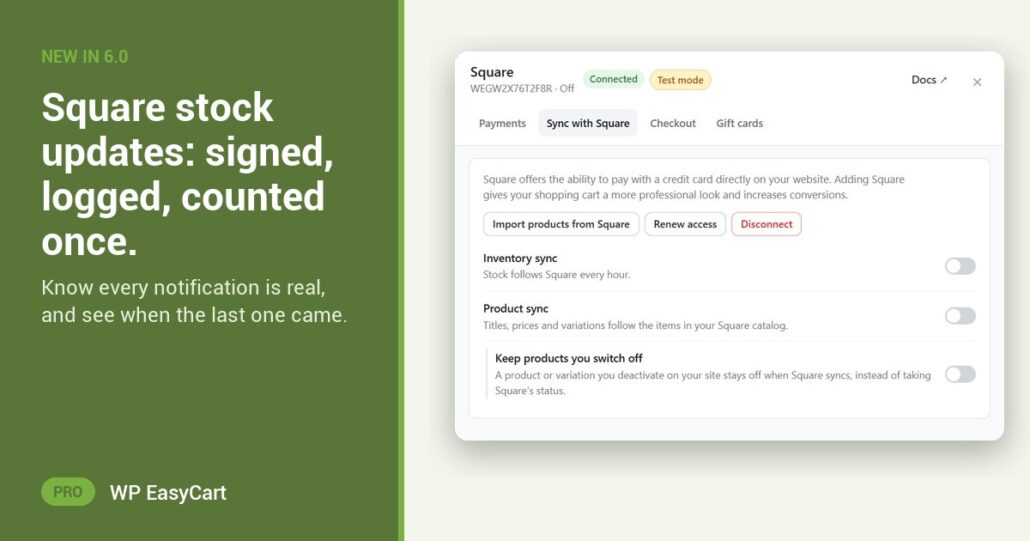
You sell at the counter and online. One stock count. But how do you know the updates your store gets are real, and that none of them landed twice?
With Webhook sync on, Square tells your store the moment stock or an item changes. No waiting for the hourly sync. In WP EasyCart 6.0 and later, every one of those notifications is checked before it touches your stock.
Checked. Logged. Counted once.
Checked. Notifications reach your store through WP EasyCart Connect, where Square’s own signature is verified. Your store then checks its own key on each one. A notification without it is refused and noted in the log.
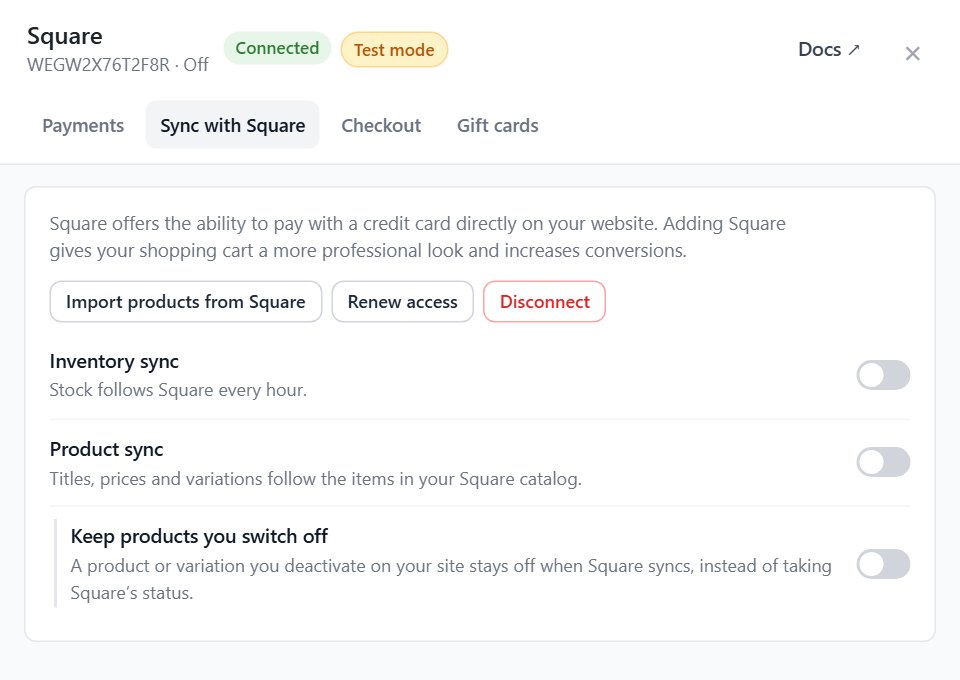
Logged. Square’s settings show Last notification received and how many recent events were recorded. If the counter goes quiet, you see it.
Counted once. Square can send the same event again. A repeat is marked Already handled; ignored, so a replay never takes the same stock off twice.
Connected Square before 6.0? The panel may say Notifications are not signed yet. Press Secure notifications. The store registers again with a key, and sync keeps running.
It all sits in the same plugin as your Square payments, refunds, gift cards and product import. Shipping, tax and marketing are in there too. Nothing to bolt on.
Where: WP Admin › EasyCart › Settings › Payments › Square › Settings › Sync with Square. Plan: PRO or Premium. See every payment feature, or read the Square settings guide.
WP EasyCart PRO
One stock count you can trust.
Square sync, webhooks and every PRO feature come with the free trial on your own site. Rated 4.5 out of 5 by 200+ store owners on wordpress.org.