
“I had $40 on this card, now it says $12.” Without a record, that is your word against theirs, and a spreadsheet of codes will not settle it.
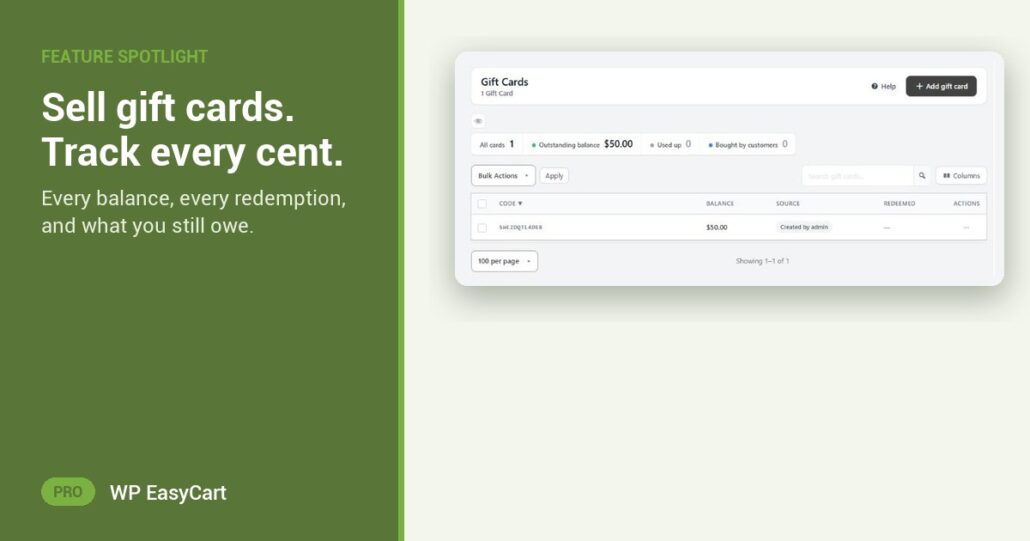
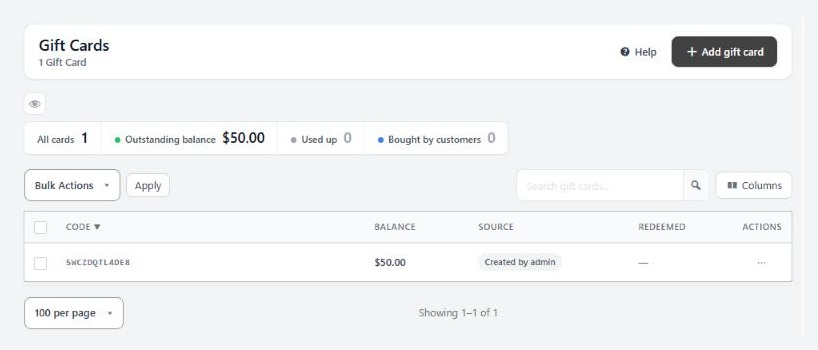
In WP EasyCart PRO every card lives under Marketing › Gift Cards. One row per card: Code, Balance, Source, Redeemed and Message. The tiles on top count All cards, Used up, Bought by customers and the one your accountant wants: Outstanding balance, the value you still owe customers.
Every card. Every order. On record.
Open a card and its History shows where it was bought and every order it was spent on. That $28 has an order number. Question answered.
Need a goodwill gesture or a raffle prize? Add gift card issues one by hand, with a generated code, and the Source column marks it as admin-created, so issued value never blurs with sold value. A mistyped inbox? Resend Gift Card Email sits on the order. And because a gift card is stored value, not a discount, Reports keep redemptions out of the Discounts tile, so your discount numbers stay honest.
Cards spend at checkout like any payment, leftovers stay on the card, and an order paid in full by a card refunds straight back to it. No add-on, no separate ledger.
Where: WP Admin › EasyCart › Marketing › Gift Cards. Plan: PRO or Premium. See every product type.
WP EasyCart PRO
Know what every card is worth.
Gift cards, balances and history come built into PRO, alongside payments, shipping, tax and marketing. Rated 4.5 out of 5 by 200+ store owners on wordpress.org.