
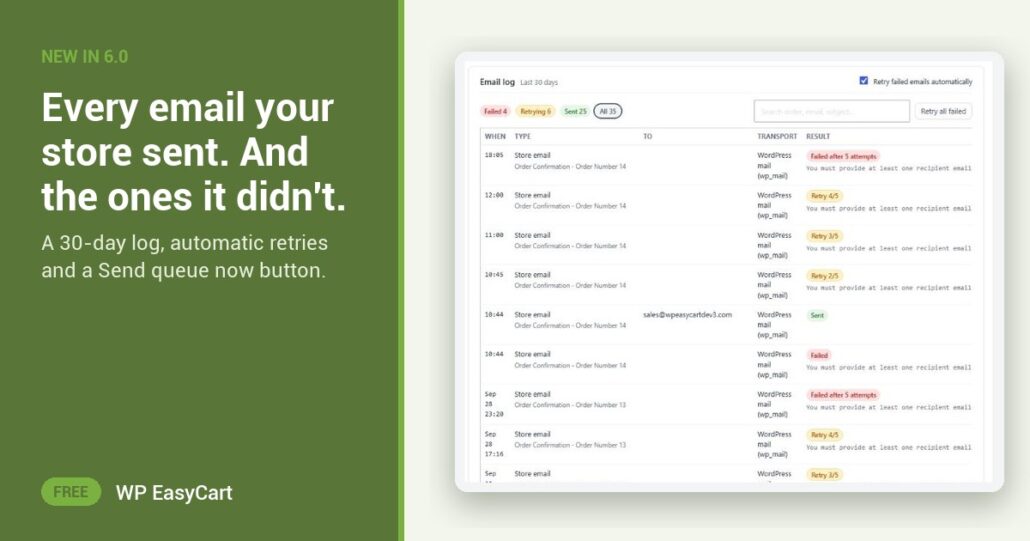
A customer says the receipt never came. Did it go out? Until now the honest answer from WordPress was a shrug. Mail leaves the server and vanishes, so you resend by hand and hope.
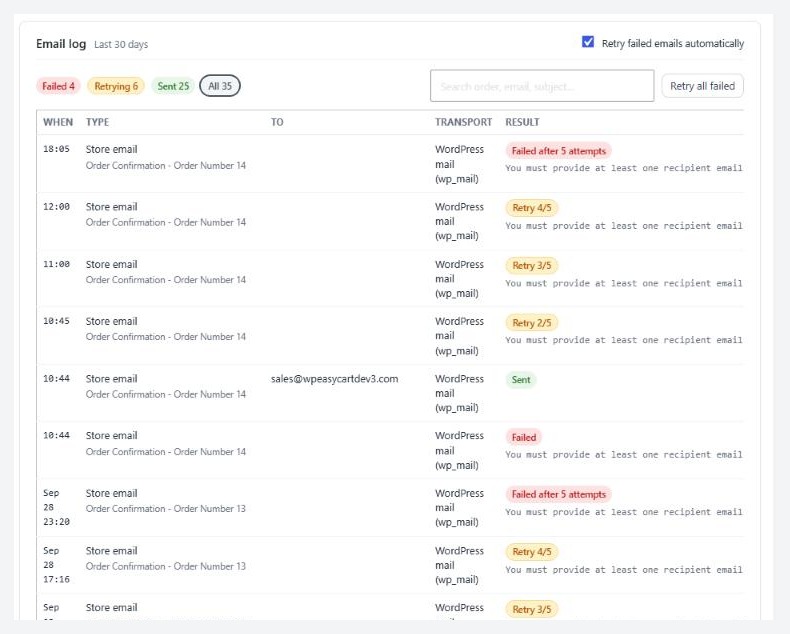
WP EasyCart 6.0 or greater keeps the Email log. Every receipt, shipping notice, password reset and test from the last 30 days: when, type, recipient, transport and result. Filter by Failed, Retrying, Sent or All. Search by order number, address or subject. It records who, what and the result, never the message body.
Failed is not lost. It is retrying.
When a send fails, the email goes into the Retry queue. It tries again after a minute, then ten minutes, then an hour, then every six hours, up to five attempts. The Retry queue card shows what is waiting, what gave up and when it runs next. Press Send queue now to run it at once, Retry on one row, or Retry all failed once you have fixed the cause. Want to watch it work before a customer does? Simulate a failed send queues a message that always fails and sends no mail at all.
The orders list joins in. An order whose receipt failed shows a Receipt not sent chip, or Email retrying while it waits, each with a Resend link. A failed email filter lists them all in one place, so nobody finds out from a one-star review.
Where: WP Admin › EasyCart › Settings › Email › Deliverability, and the Orders list. Plan: every edition, including Free. Read the step-by-step guide for the log, the queue and the fixes for each error.
Free edition
Never resend a receipt by hand again.
The Email log and Retry queue are in the free plugin, rated 4.5 out of 5 by 200+ store owners on wordpress.org. Want 30+ gateways, live carrier rates and abandoned cart emails as well? The free trial unlocks PRO on your own store.