
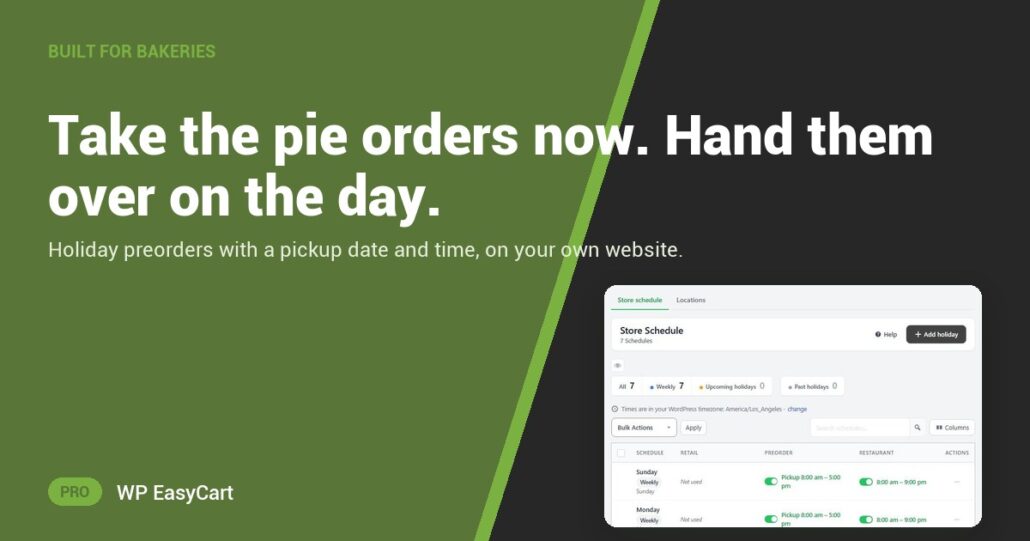
Every November the phone rings off the hook. Three pumpkin, two pecan, “can I get them Wednesday after four?” Then the scraps of paper, the double bookings and the pie nobody collects because nobody wrote it down.
WP EasyCart PRO has a product type built for this: Preorder for pickup. The customer orders and pays now, then chooses a pickup date and a time on that day. You bake to a list, not a guess.
Order early. Pick a slot. Collect.
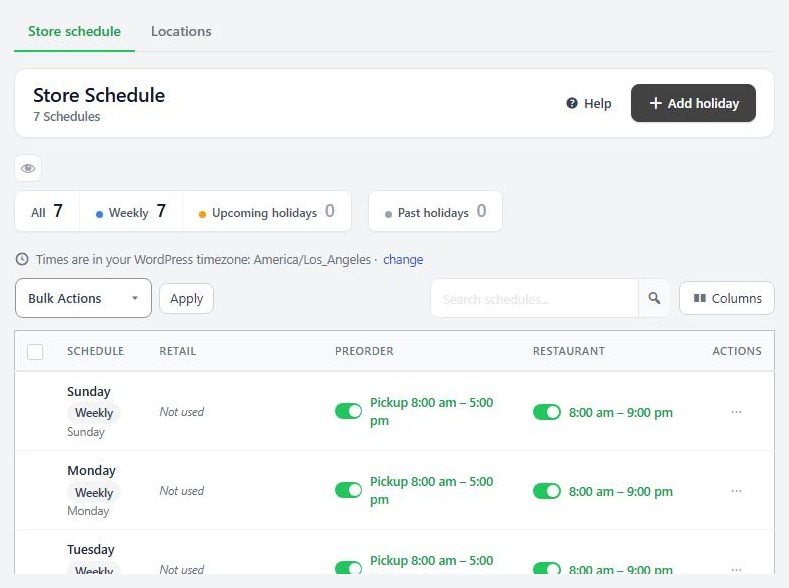
You set the rules in Settings › Schedule & locations. Each day’s Preorder card has a Preorder window, how far ahead people can order, and Pickup opens and Pickup closes for the collection hours. Closed on Thanksgiving itself? Add holiday and that date changes on its own, leaving the weekly hours alone.
At checkout the date picker greys out closed days and holidays, and the time list only shows your pickup hours. Nobody can skip it: no date, no order. Add Pre-order pickup instructions like “side door, bring your order number” and they show right next to the choice.
In the admin, switch on the Pre-order pickup date column and the orders list becomes your bake sheet. Each order moves from Ready for Pickup to Order Picked Up. No shipping labels, no tracking numbers. And it is the same plugin that runs your everyday shop, your gift cards and your tax.
Where: WP Admin › EasyCart › Settings › Schedule & locations, then Products › Add New › Preorder for pickup. Plan: PRO or Premium. Read the pickup and preorder guide for every schedule and checkout setting.
WP EasyCart PRO
Open holiday preorders this week.
The free trial unlocks PRO on your own site. Set your pickup hours, add one pie and place a test order. Rated 4.5 out of 5 by 200+ store owners on wordpress.org.