
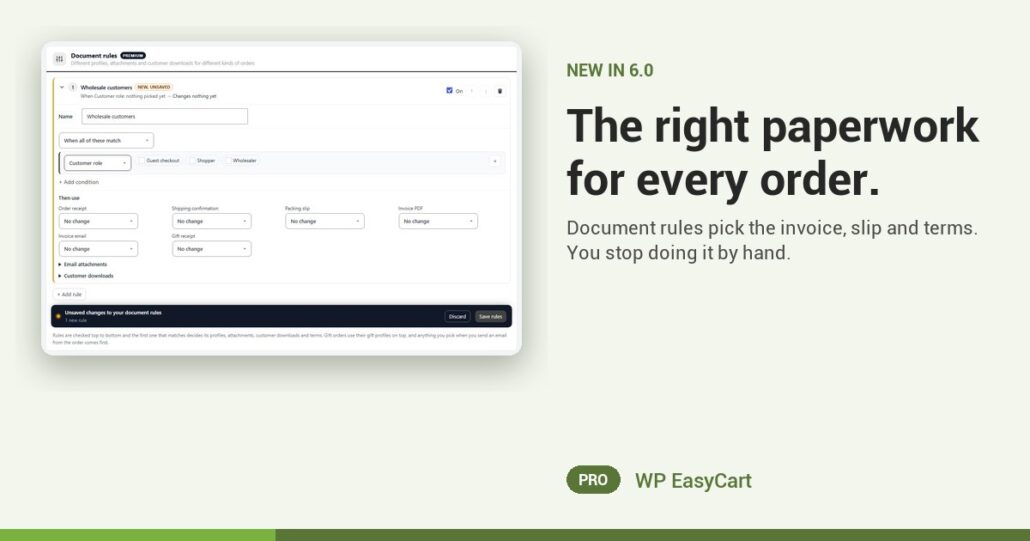
Your trade buyer needs an invoice with a PO number and terms. The gift order needs a slip with no prices. The pickup customer needs no PDF at all. Picking the right one, order after order, is a job nobody should be doing by hand.
Document rules do it for you. Each rule is a name, an On switch and a few conditions: Customer role, Payment (manual, paid online or free), Delivery (shipped, local pickup or nothing to ship), Gift order, Order total and Ship-to country. Match all of them, or any.
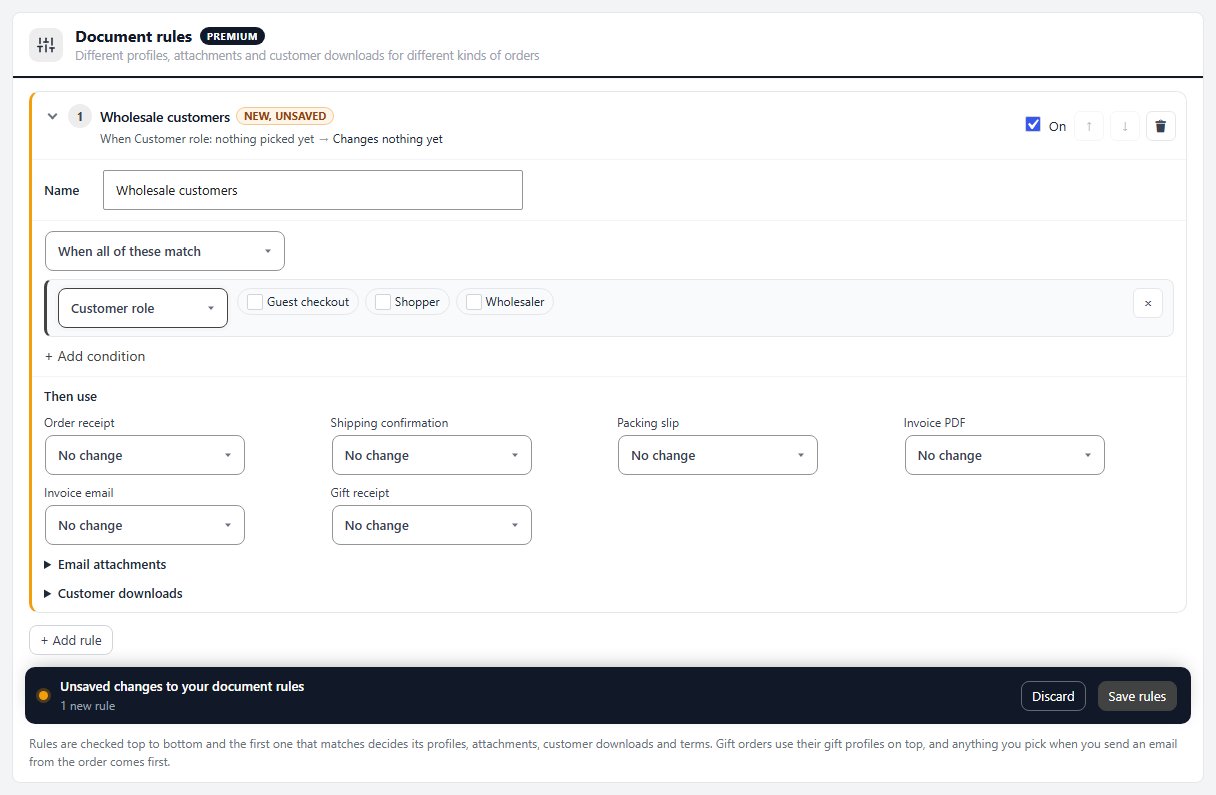
One rule. Every order. No thinking.
Under Then use, pick the profile for each document: the receipt, the shipped email, the packing slip, the invoice PDF, the invoice email and the gift receipt. A rule can also change what gets attached, which downloads the customer sees in their account, and the payment terms on a manual-payment order.
A typical setup takes two rules. Wholesale role: the B2B invoice, the drop-ship packing slip and Net 30. Local pickup: no PDF on the shipped email. Rules run top to bottom and the first match wins, so ordering them is just a pair of arrows.
Invoices, packing slips, gift receipts, payment terms and the store that takes the payment. One plugin, not a PDF add-on bolted to a cart.
Where: WP Admin › EasyCart › Settings › Emails & Documents › Documents › Document rules. Plan: PRO or Premium, in WP EasyCart 6.0 or greater. Read the document settings guide and the profiles you can pick from.
WP EasyCart PRO
Set the rule once. Ship it right forever.
The free trial unlocks PRO on your own site. Add a rule for your wholesale role and preview a real order. Rated 4.5 out of 5 by 200+ store owners on wordpress.org.