
Nothing kills a Sunday like a pickup order placed at 11pm for a kitchen that closed at nine. Or a dozen orders on Thanksgiving, when the doors are locked.
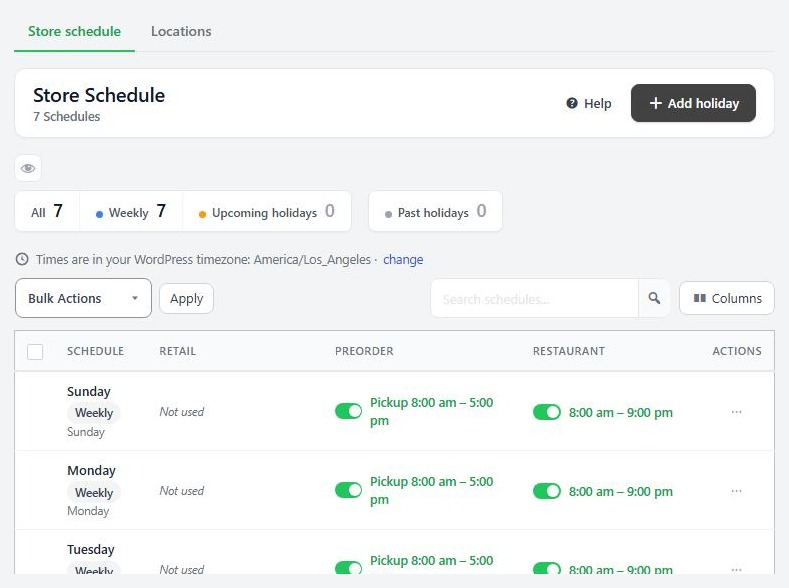
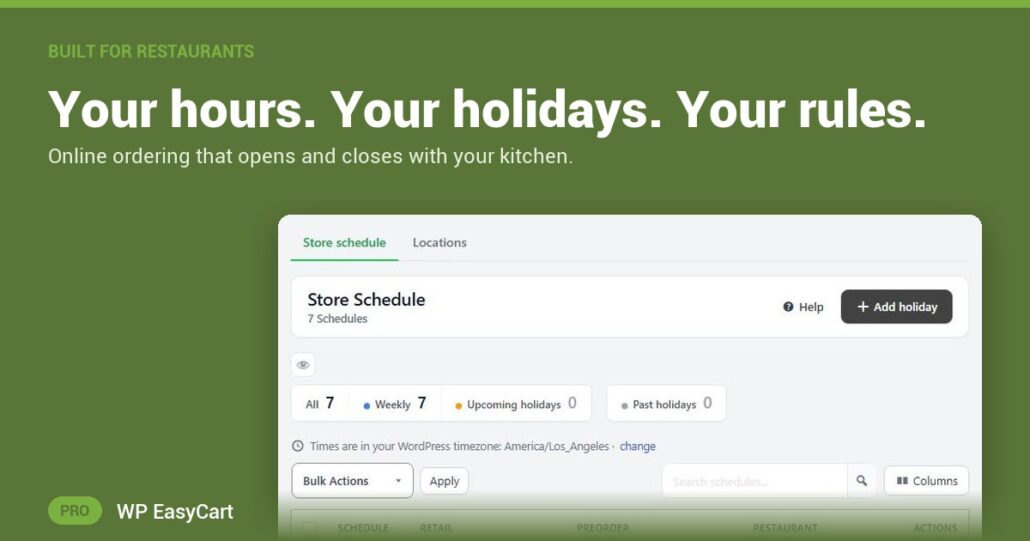
WP EasyCart PRO runs your ordering from a store schedule. Seven weekly rows, Monday to Sunday. Open a day and each kind of order gets its own card: Retail, Preorder and Restaurant, each with its own Use this schedule switch and an Open or Closed choice. Restaurant orders take an Opens at and Closes at. Lunch-only on Mondays? Closed Tuesdays? Set it once.
Set it. Forget it. Close on time.
Holidays are one button. Press Add holiday, pick the date, and that day is closed for every channel, or open it with special hours. It replaces the weekly schedule on that date only. Nearly a normal day? Duplicate as holiday copies the hours so you only change what is different.
Shoppers always know where they stand. When you are closed, checkout says The restaurant is currently closed! In the last hour before closing a Closes in countdown nudges the late deciders. ASAP and later times only ever fall inside your hours. More than one kitchen? Give each location its own schedule.
Where: WP Admin › EasyCart › Settings › Schedule & locations. Plan: PRO or Premium. Read the restaurant ordering guide, from your first schedule to your first test order.
WP EasyCart PRO
Close the kitchen. Close the checkout.
The free trial unlocks PRO on your own site. Set your week, add your next holiday and place a test order. Ordering, payments and pickup in one plugin, with no marketplace commission. Rated 4.5 out of 5 by 200+ store owners on wordpress.org.